Prompt*
0 / 1024
Reference Images
0/9
Aspect Ratio
1:1
16:9
9:16
4:3
3:4
Resolution
Preview
Generate an image to see preview
GPT Image 2 helps creators turn short prompts into polished visuals, from product mockups and posters to multilingual graphics, social content, and concept art with refined creative control.
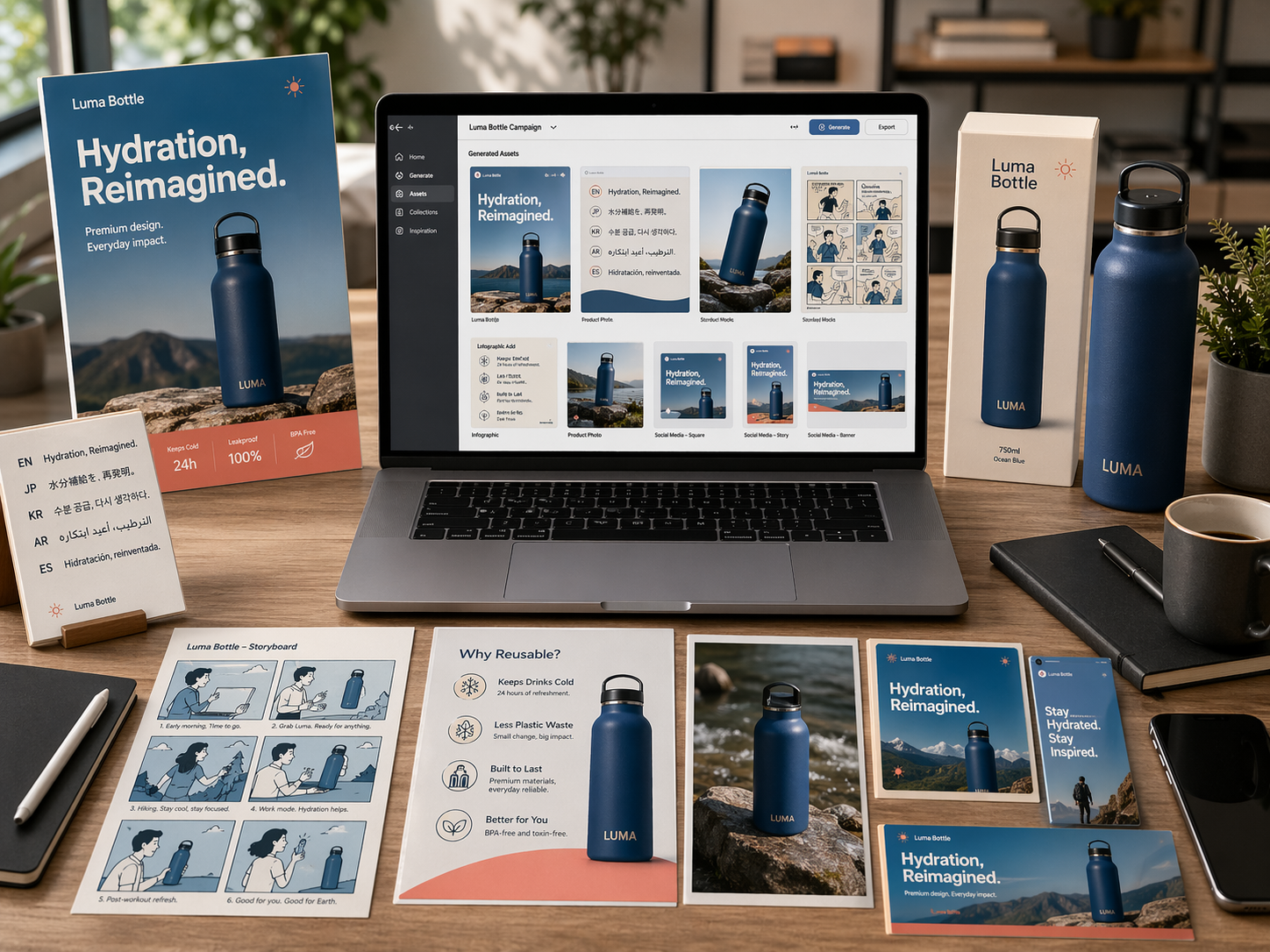
Use GPT Image 2 to create polished visuals for real projects, from campaign images and product concepts to social posts and website assets.
Generate an image to see preview
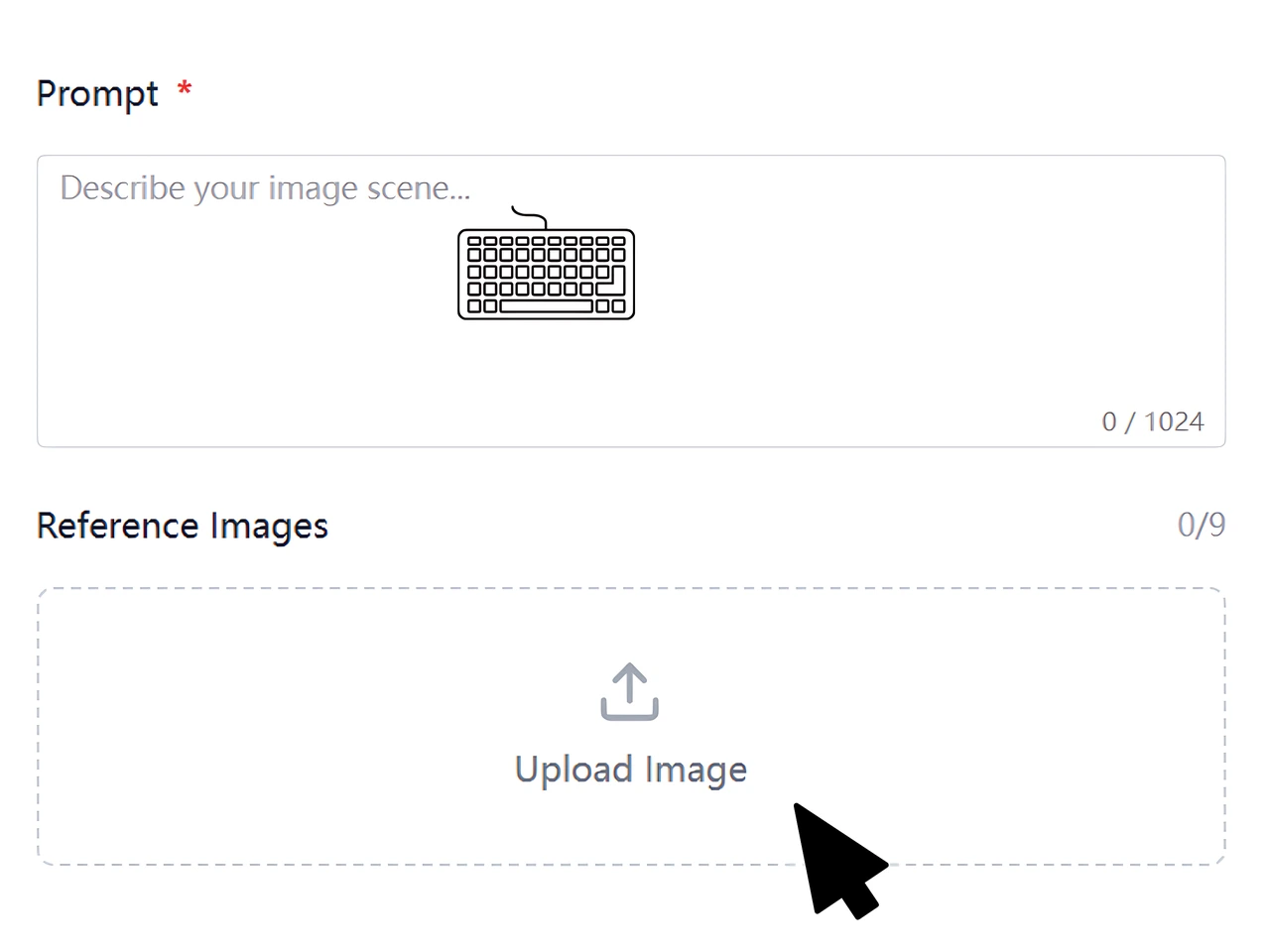
Start with a text prompt, upload a reference image if needed, then describe the subject, text, mood, lighting, and final visual goal clearly.
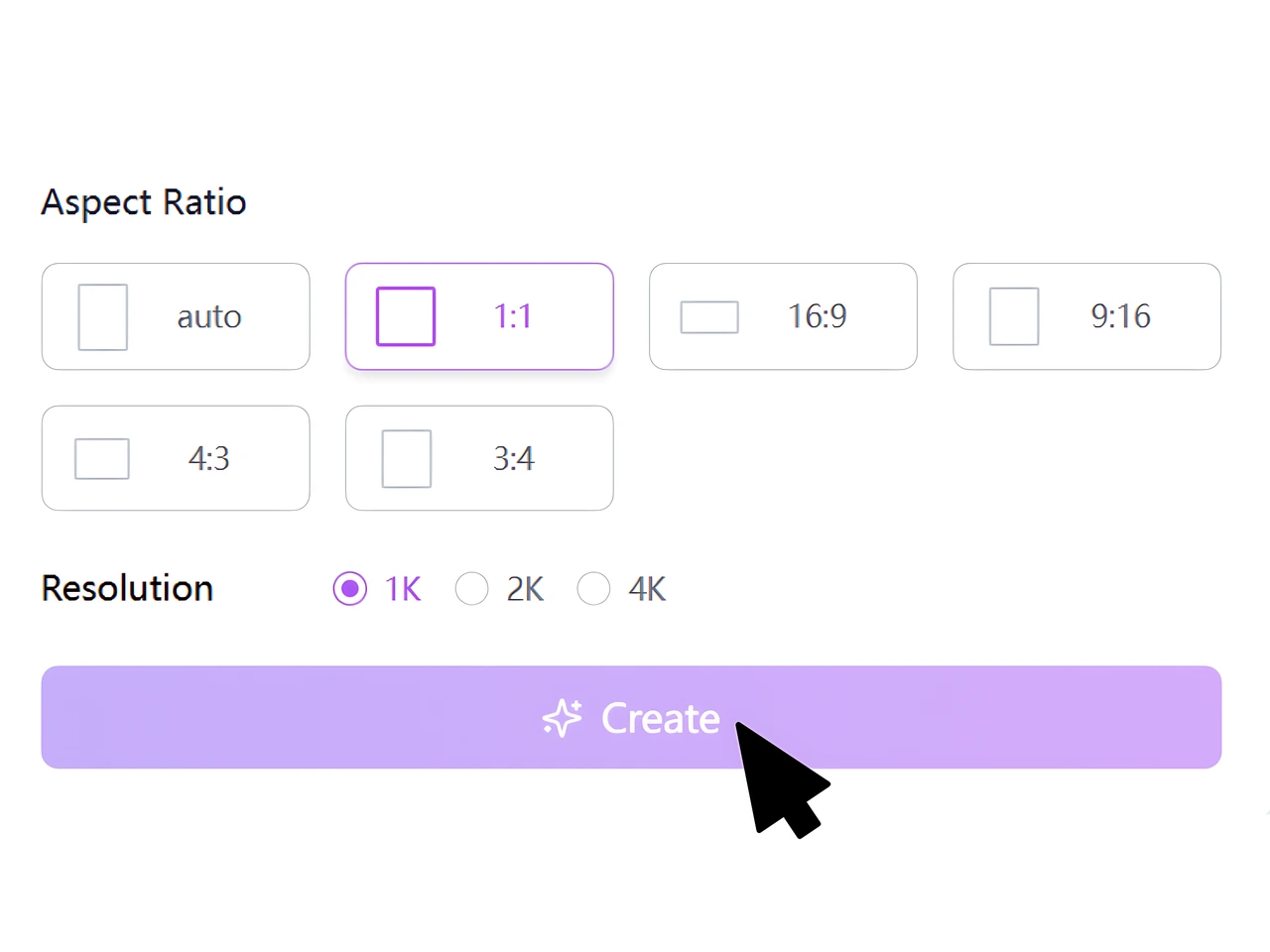
Choose the aspect ratio and resolution that fit your project, from square social posts to vertical stories, wide banners, and 4K visuals.
Generate your image, review the preview, then adjust the prompt to improve text clarity, style direction, layout, or multi-format output.
GPT Image 2 helps turn simple ideas into more structured visuals with better control over composition, subject focus, lighting, mood, and scene direction. Whether you need a poster, product concept, or social image, it supports more intentional image creation from the start.
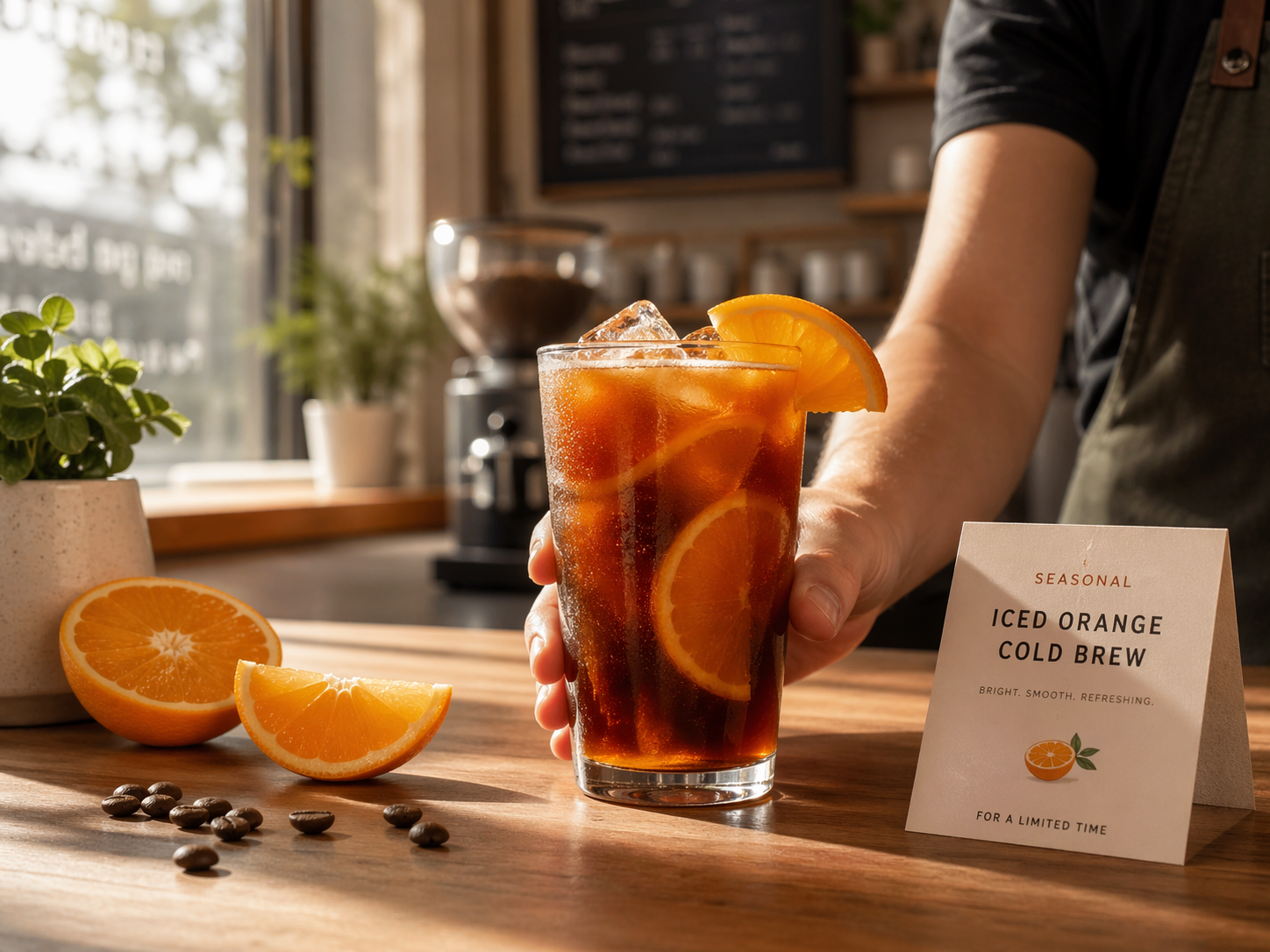
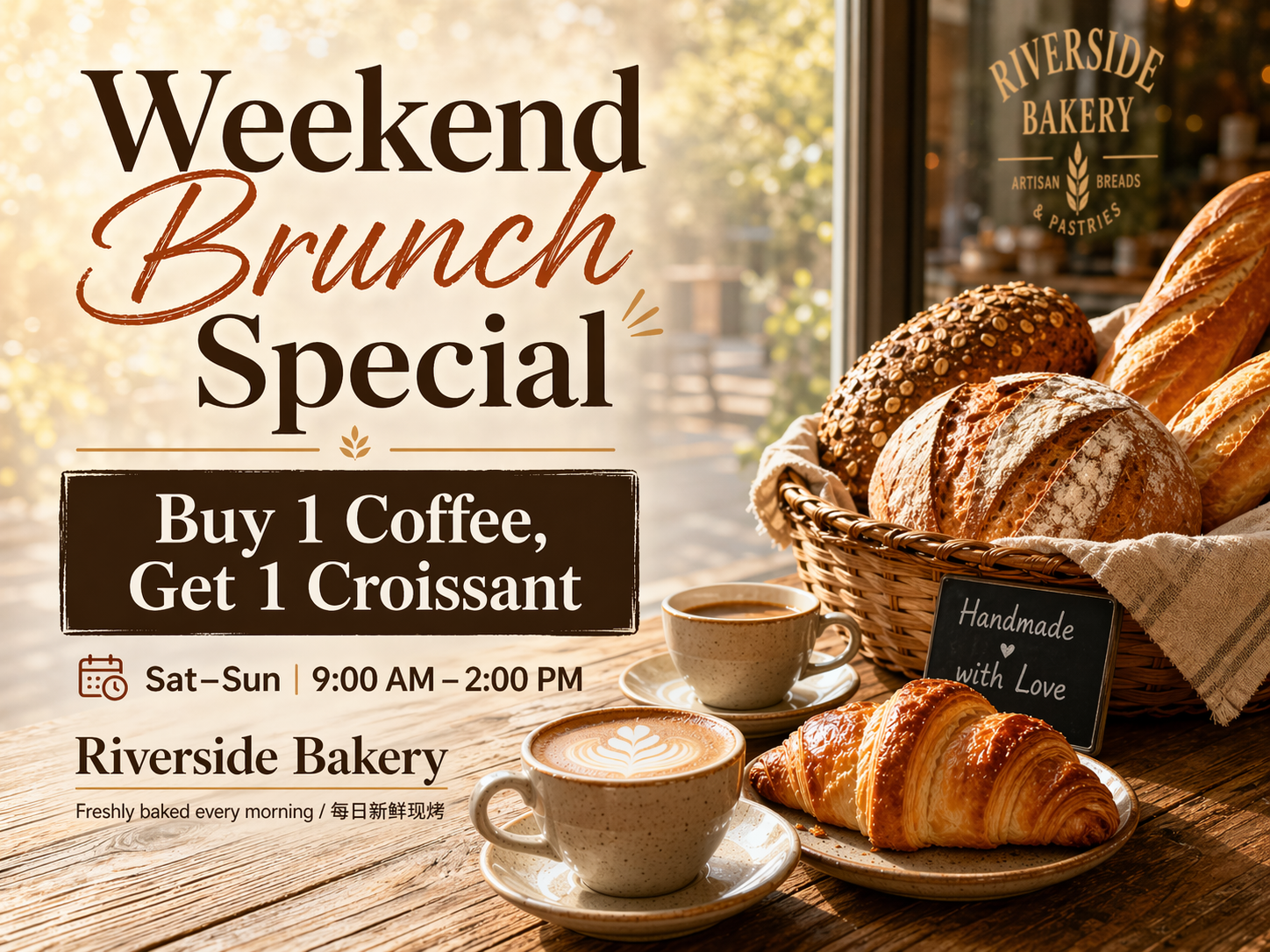
ChatGPT Image 2 is especially useful when your visual needs readable text inside the image. You can generate posters, promotional graphics, covers, and multilingual layouts with headlines, labels, and callouts that feel more organized and closer to practical design use.
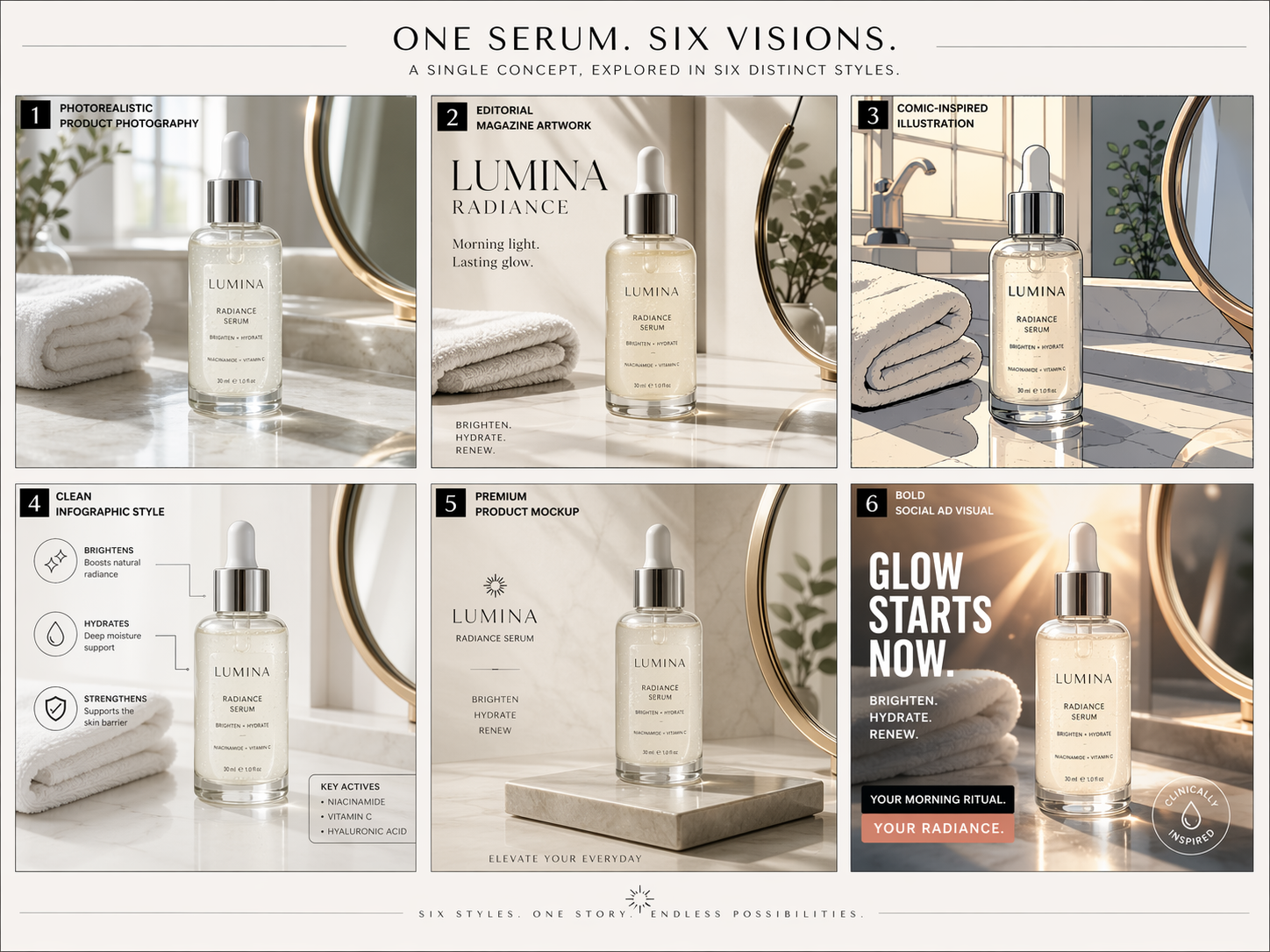
ChatGPT Images 2.0 gives creators the flexibility to test many visual directions from one concept. You can explore realistic scenes, editorial artwork, comic-inspired layouts, infographics, product mockups, and bold marketing visuals without switching between multiple creative workflows.
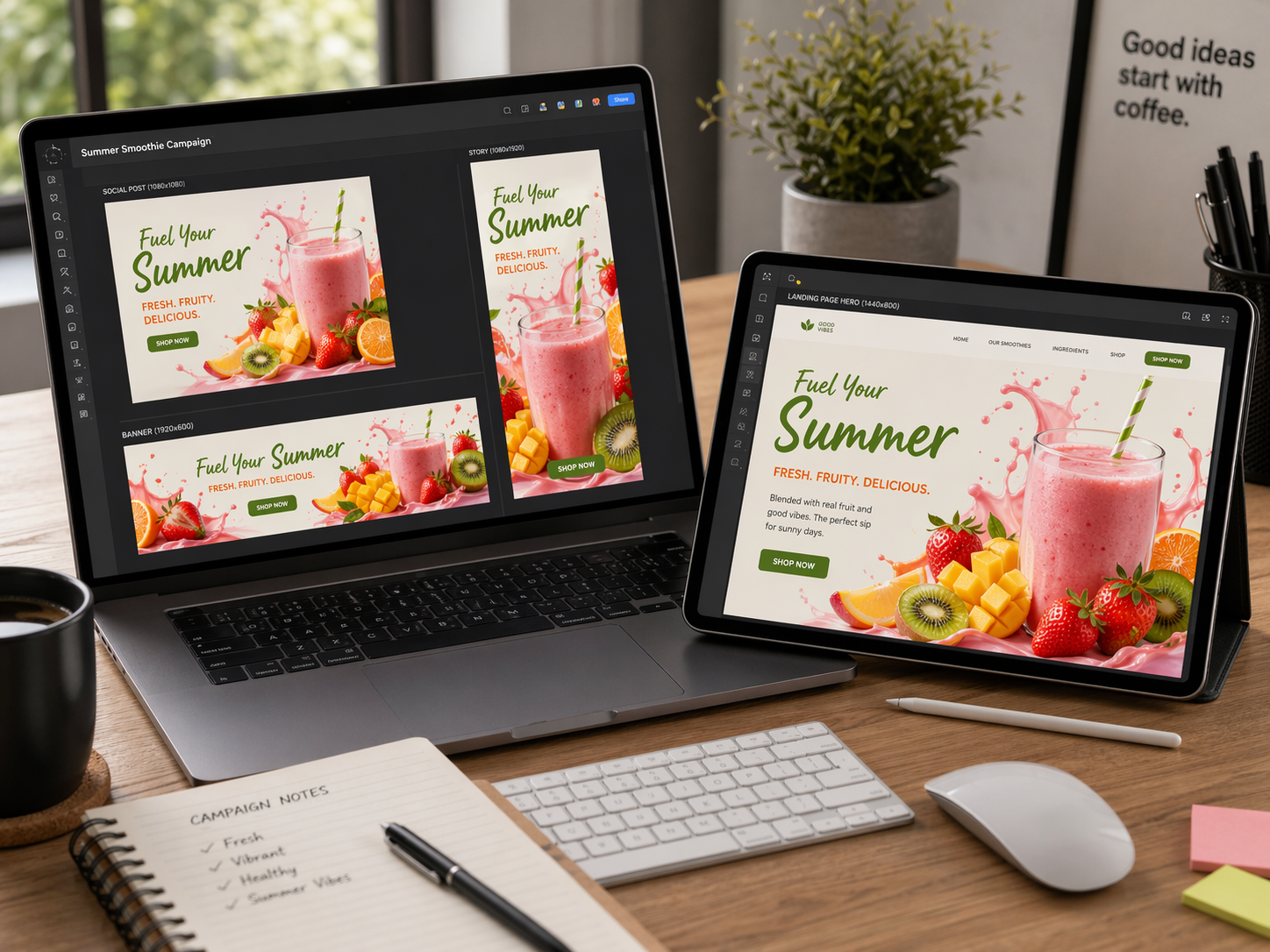
GPT Image 2 makes it easier to prepare visuals for different platforms and placements. From square social posts and vertical mobile stories to wide banners and landing page hero images, it helps creators adapt one idea into multiple formats more efficiently.
GPT Image 2 gives creators a clearer way to move from idea to output. Instead of spending time on complex editing tools, you can describe the visual result and refine it through natural prompts.
ChatGPT Image 2 is useful when your design needs words inside the image. It can help with headings, labels, callouts, product names, and short multilingual design text while keeping the layout clean.
ChatGPT Images 2.0 supports a wide creative range, so you can test realistic photos, illustrated scenes, editorial graphics, comic panels, and branded visuals from one workflow for fast review.
GPT Image 2 helps you compare ideas quickly. Generate multiple directions, review what works, adjust the prompt, and move faster from concept testing to usable creative assets with less delay.
ChatGPT Images 2.0 can support consistent visual planning for landing pages, blogs, product pages, ads, newsletters, and social posts when you describe your brand style clearly across repeat projects.
ChatGPT Image 2 keeps the process easy for non-designers. Ask for changes in plain language, refine composition, improve visual balance, or adjust the image for a new use case without complex tools.
Listen to testimonials from our delighted customers who have witnessed the excellence and worth of our products and services.
ChatGPT Image 2 makes ad testing faster for our team. We can create several creative concepts, compare messages, and choose better directions before spending budget on final design production or campaign asset editing work.
ChatGPT Images 2.0 gives our blog visuals more purpose. Instead of picking generic stock photos, we create graphics that match the article topic, tone, and reader intent much more closely across different content formats.
GPT Image 2 is useful for testing product scenes, seasonal banners, and landing page ideas. It gives me a practical first draft, so I can brief designers with clearer visual references and fewer rounds of explanation quickly.
Whether you need a clean product scene, a polished poster, a multilingual graphic, or a bold creative concept, GPT Image 2 helps you move from prompt to image with more control and less friction.