Social Avatar Videos
Use a free character swap tool to turn a reference avatar into a moving social clip. It helps creators build short posts, reactions, intros, or meme-style videos while keeping the source motion clean and familiar.
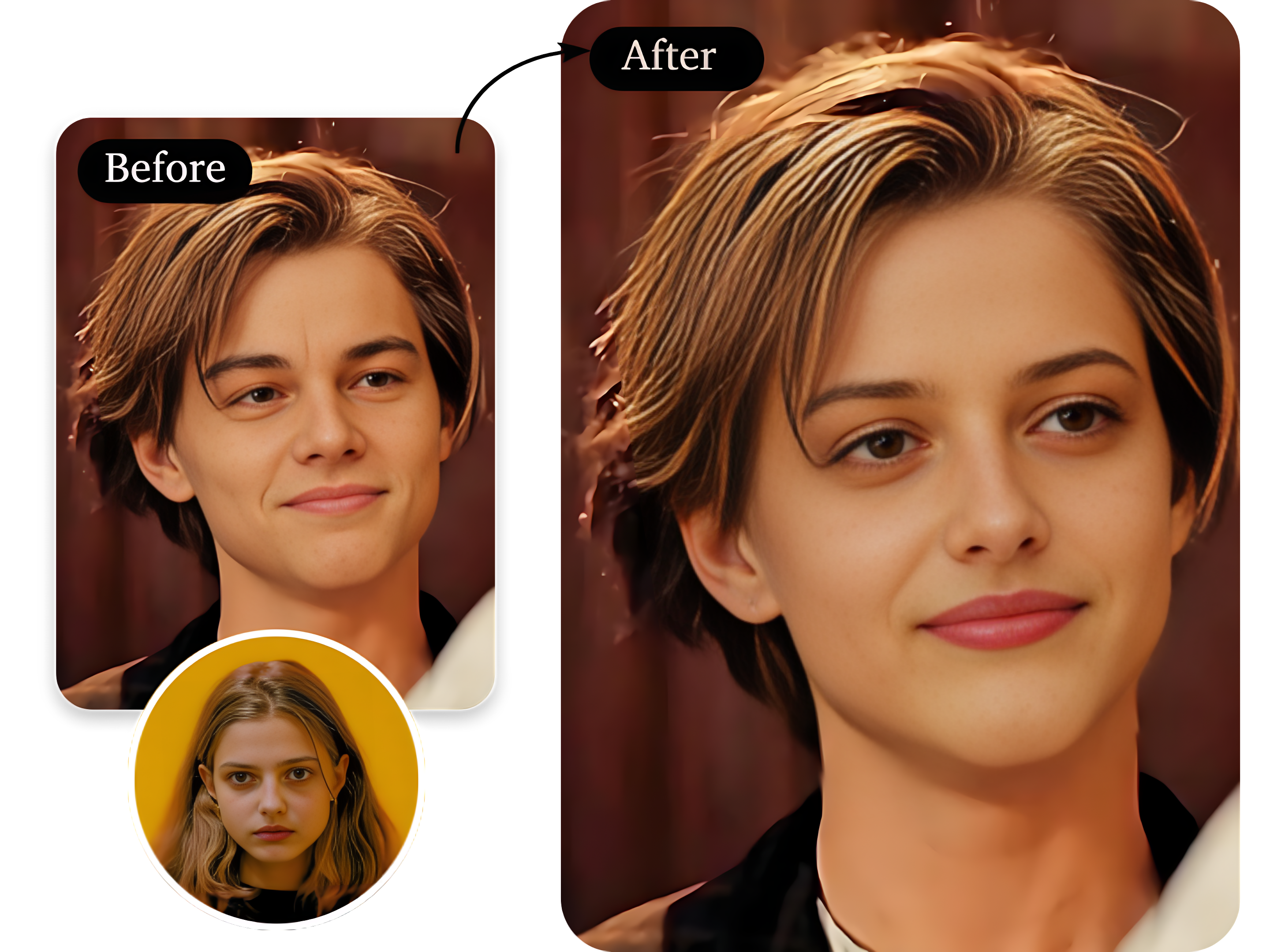
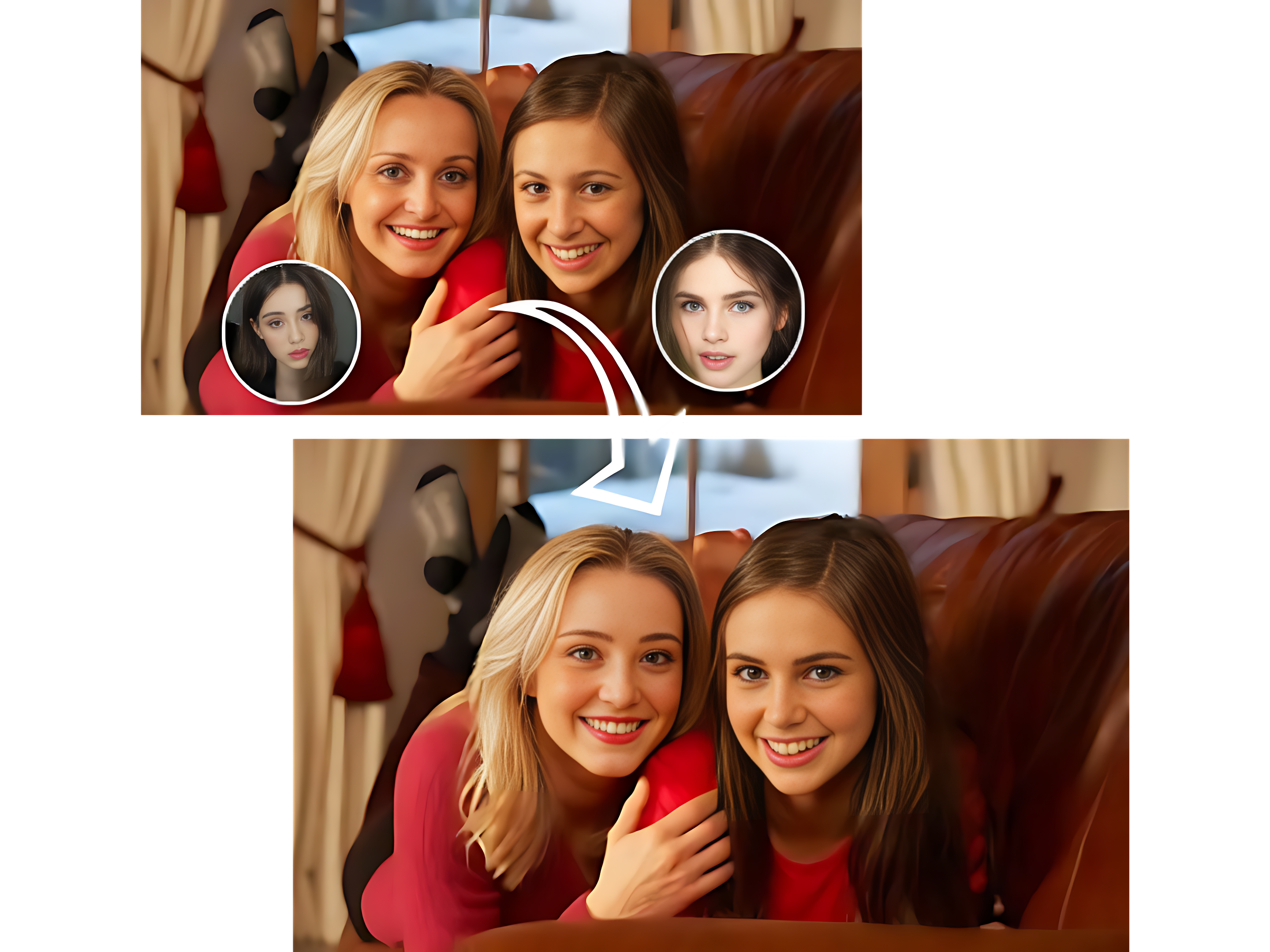
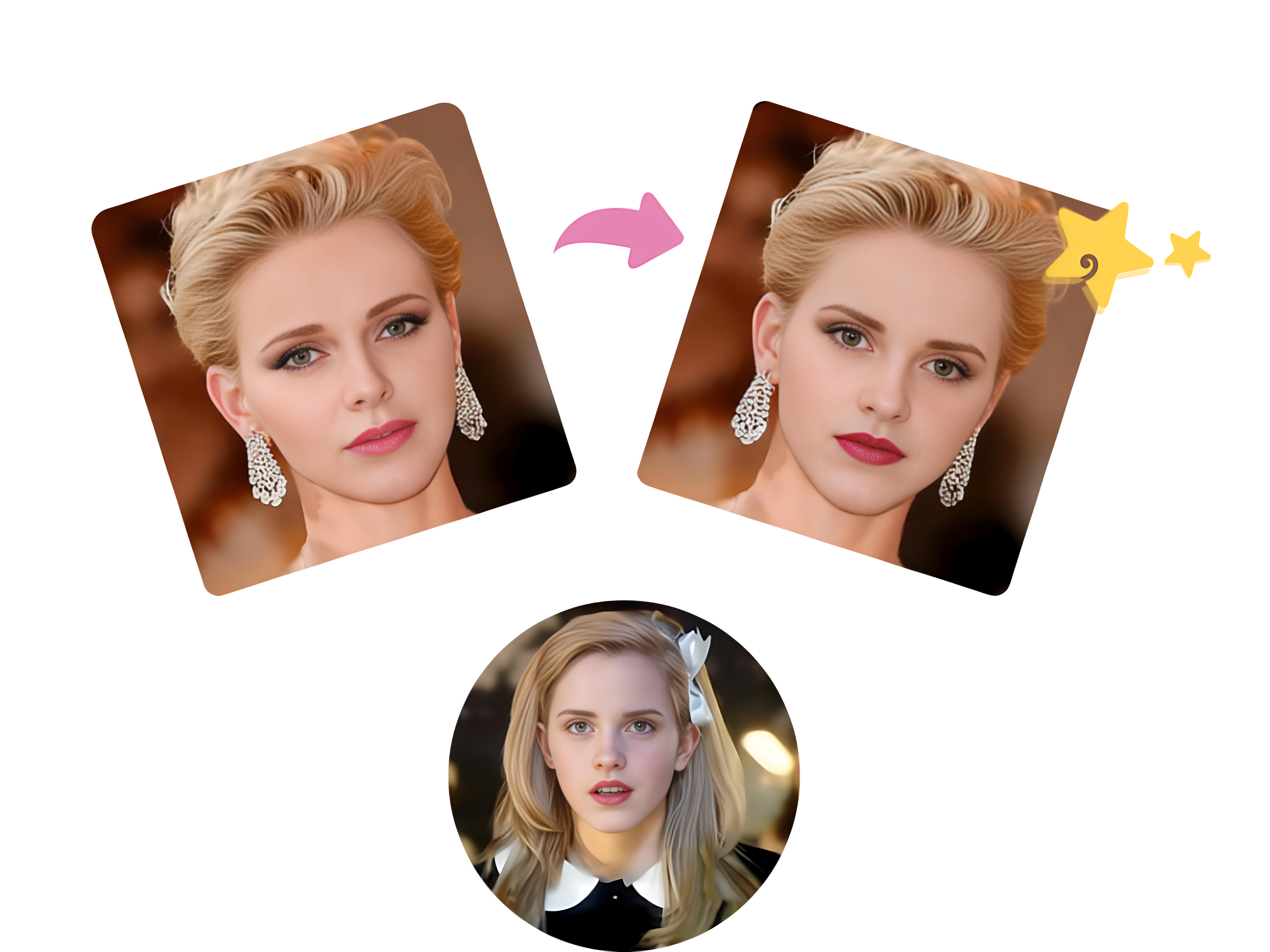
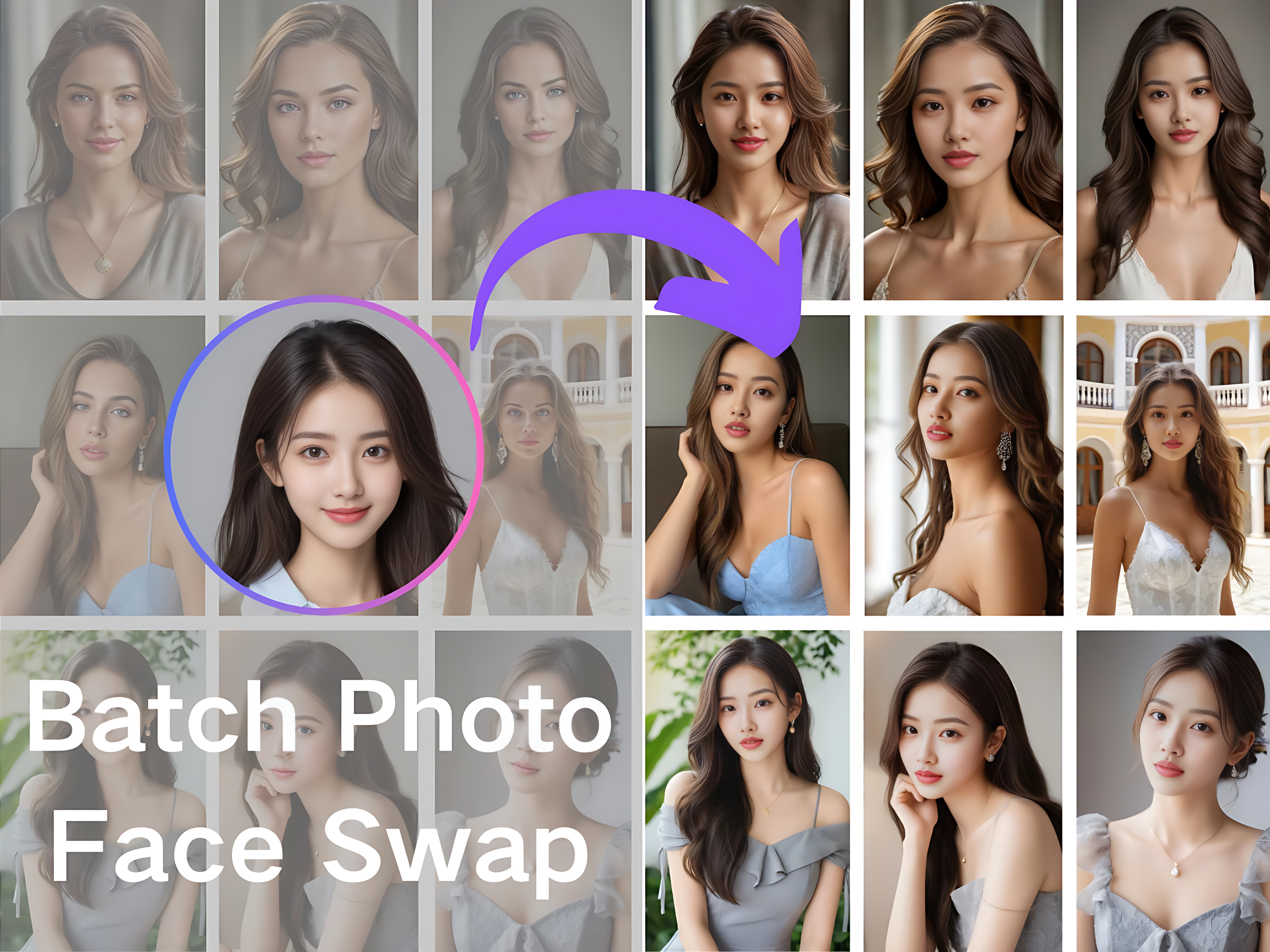
Bring a new person, avatar, or fictional role into your video with AI character swap online. Keep the original motion, camera angle, expression, and scene flow intact.
Transform any character into a brand-new identity with realistic details, smooth results, and just a few clicks.
Animate the character in the input image using the movements from the input video.
Upload Original Video
Upload a face photo
Your animated video will appear here
Upload a driving video and a character photo to preview a smooth motion transfer result in this area.
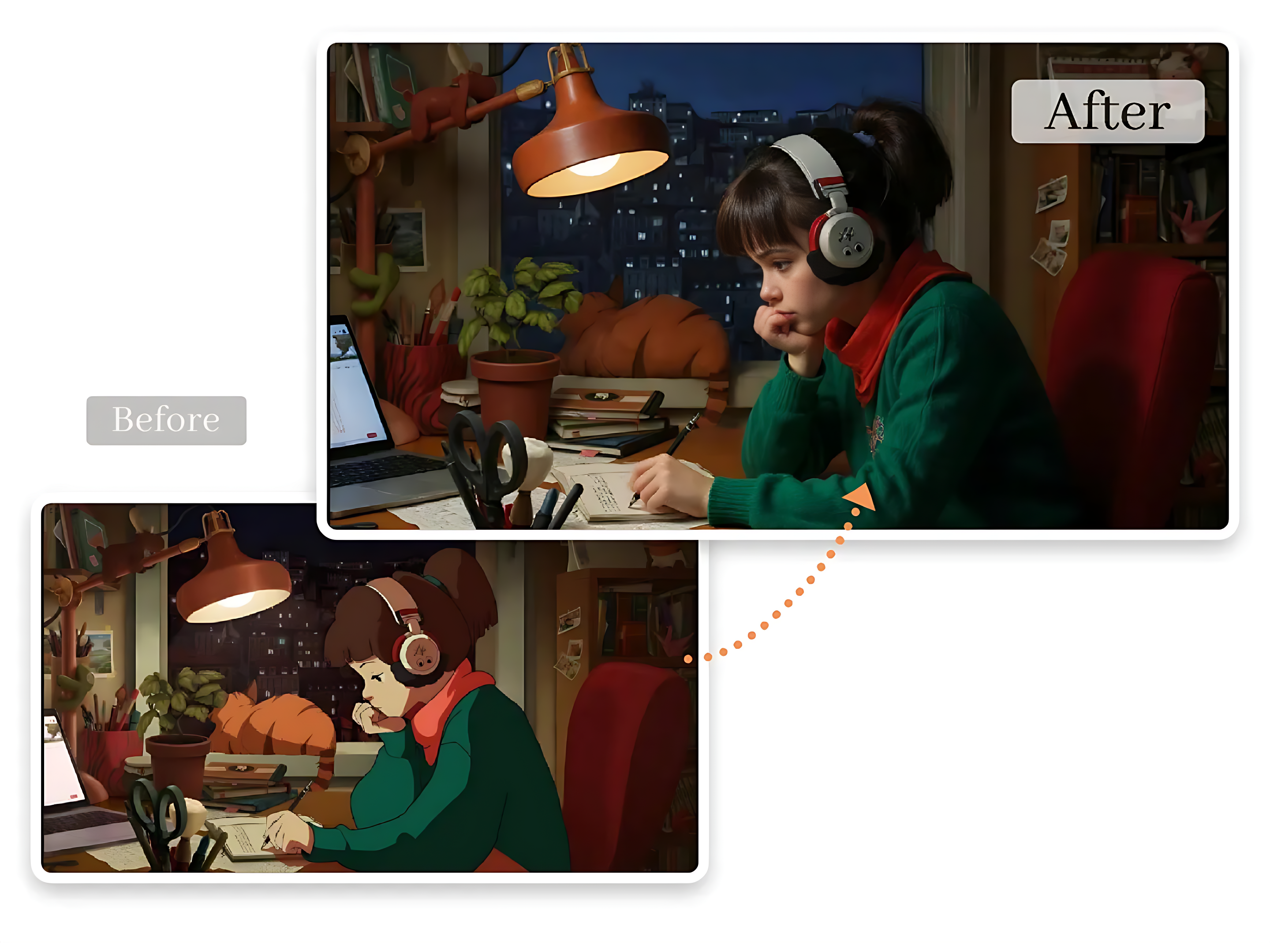
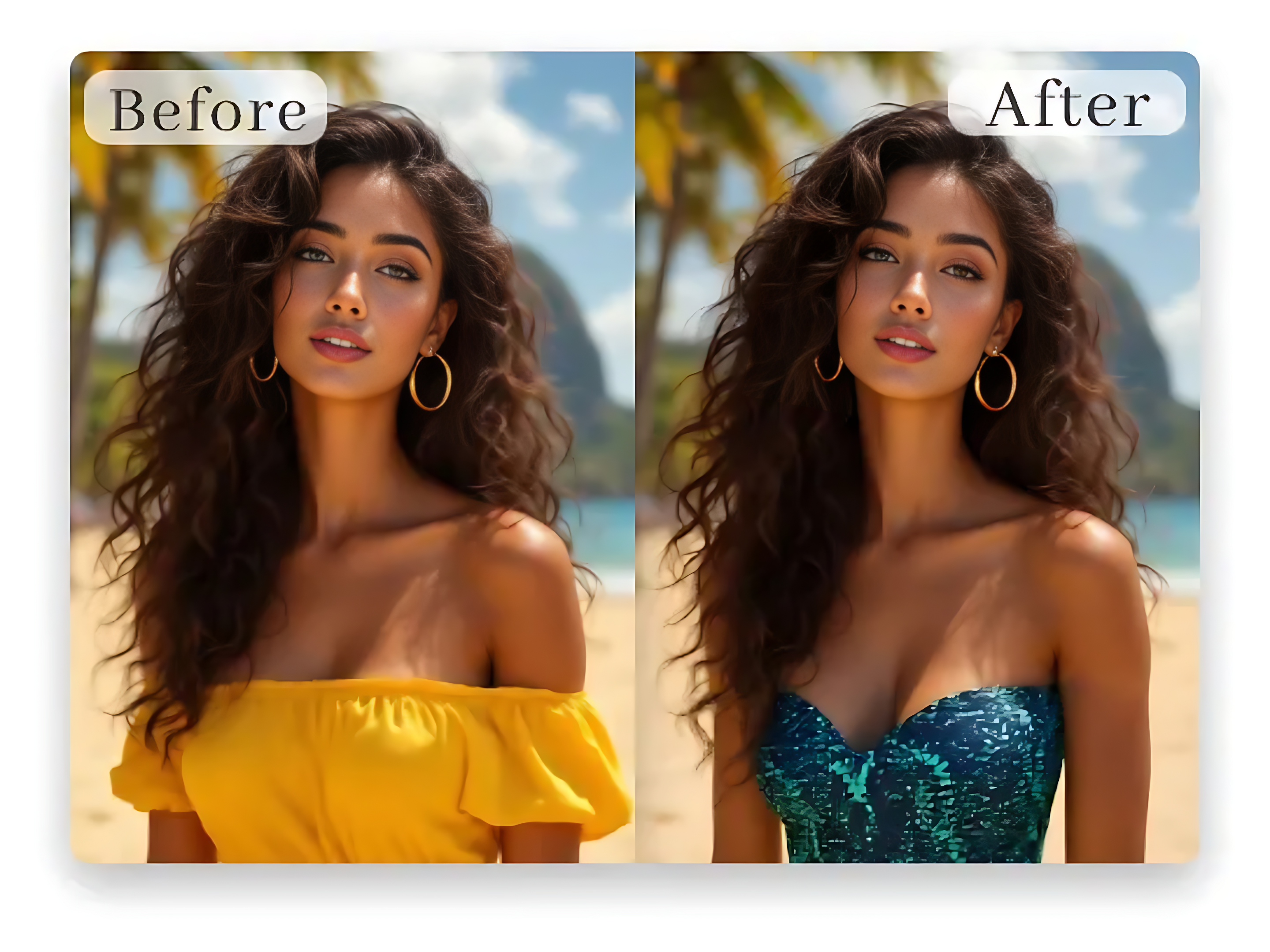
Character swap generator is designed for fuller role transformation. Instead of only changing facial details, it can follow the target image’s appearance, clothing impression, visual style, and identity cues to create a more complete character change. This makes AI character swap online useful when you want the new role to feel like a different person, avatar, model, or creative persona in the same footage.
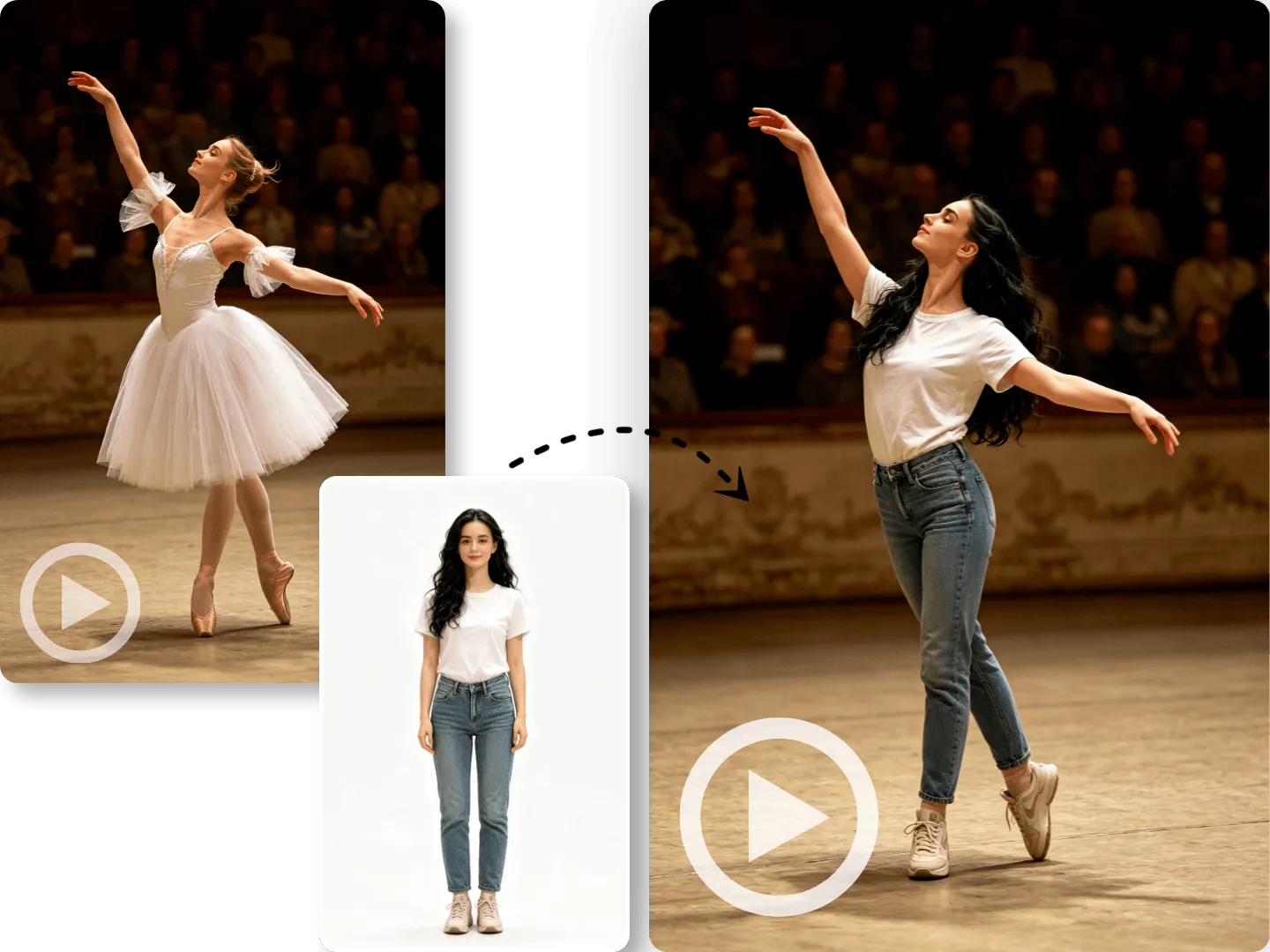
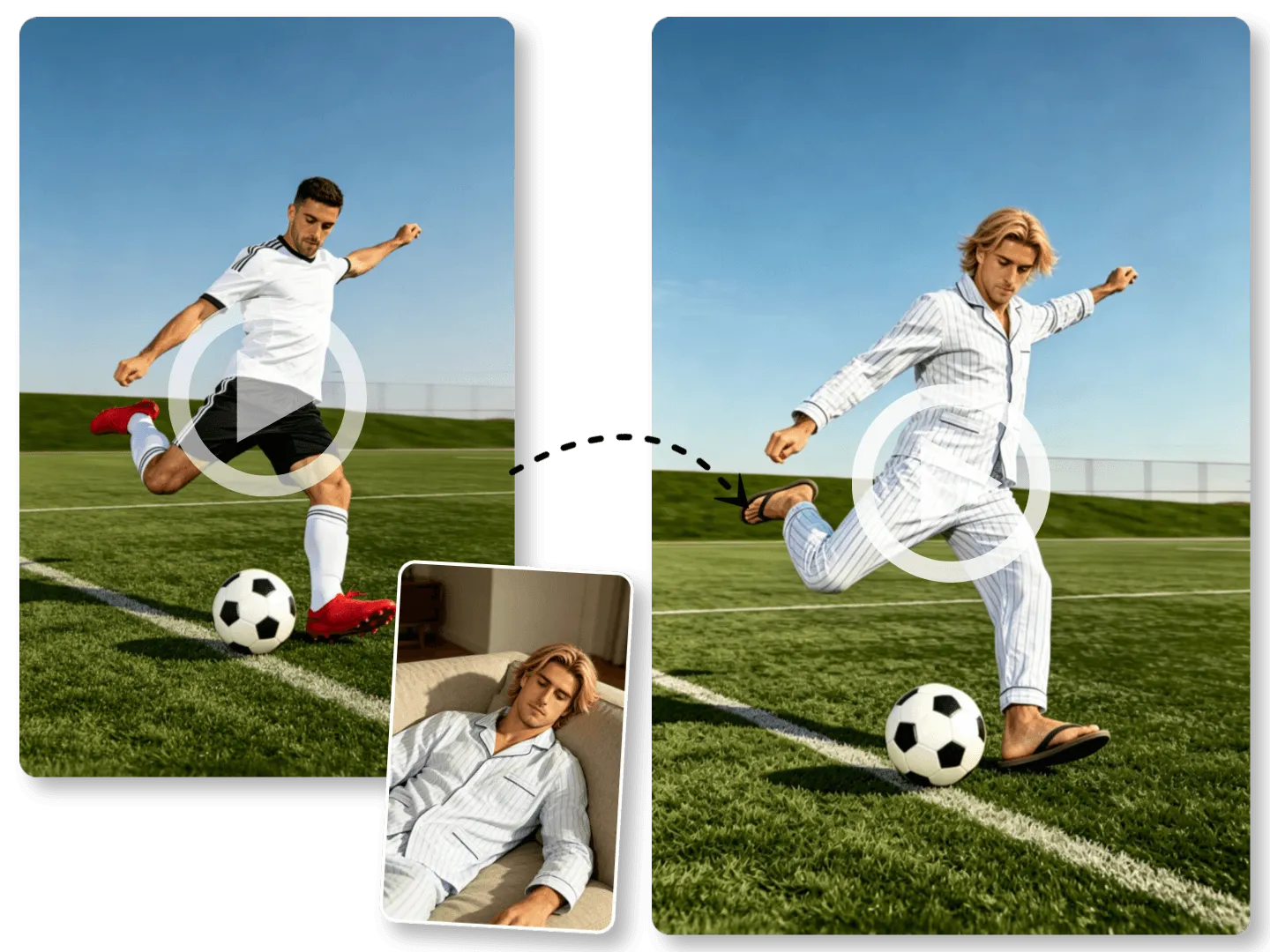
A strong video character swap online should not destroy the video you already like. AI character swap online keeps the original body posture, gesture timing, camera angle, scene layout, and action flow, so the swapped role still follows the same performance. The result feels closer to an edited version of your clip rather than a completely regenerated video with random movement.
Video character swap generator quality depends on more than identity. The tool also helps match lighting, skin tone, edges, clothing details, and background atmosphere, so the new role fits the scene more naturally. Instead of looking pasted on, the replaced character appears more connected to the original video’s color, mood, and visual depth.
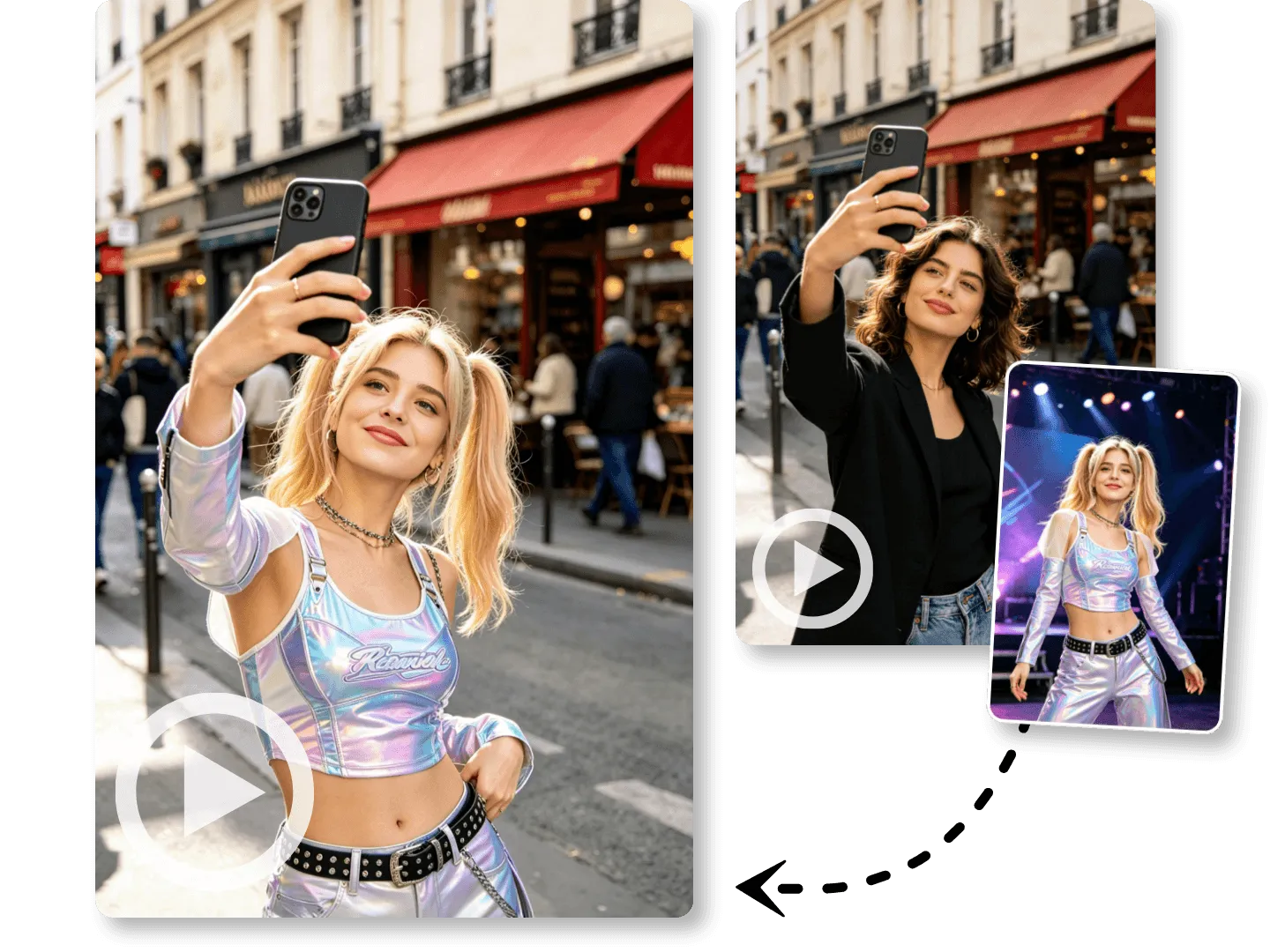
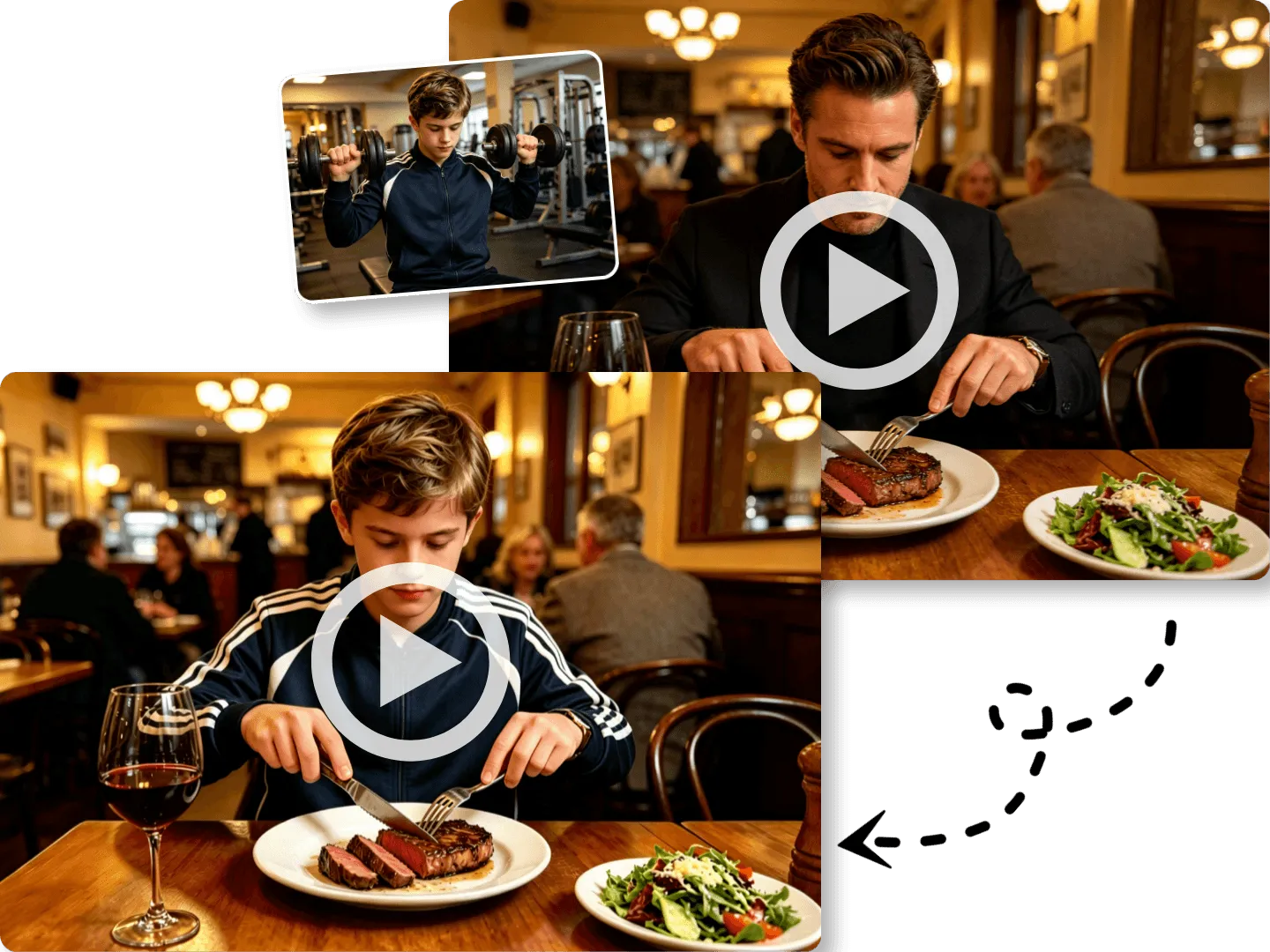
AI character swap online removes the heavy setup behind traditional video edits. You only need to upload the original video and a target character image, then generate the result. No Photoshop skills, no rotoscoping, no 3D modeling, no green screen, and no frame-by-frame compositing are required to make a polished video character swap.
Use free character swap tool to rebuild familiar footage, personalize video content, and test new visual ideas without shooting everything again.
Use a free character swap tool to turn a reference avatar into a moving social clip. It helps creators build short posts, reactions, intros, or meme-style videos while keeping the source motion clean and familiar.
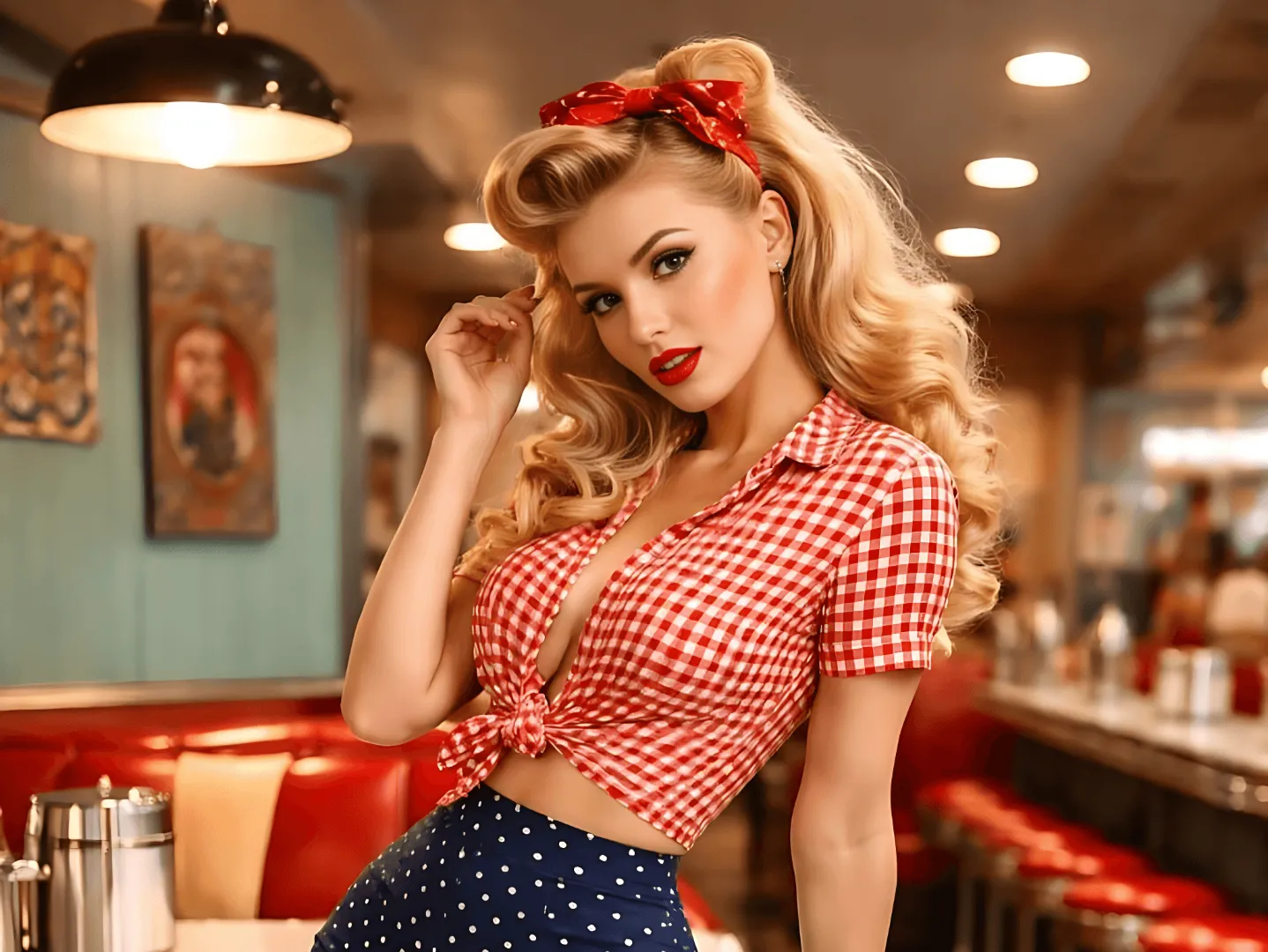
With AI character swap generator, teams can place a mascot, spokesperson, or campaign character into existing video scenes. It is useful for quick creative tests before producing full ad material.
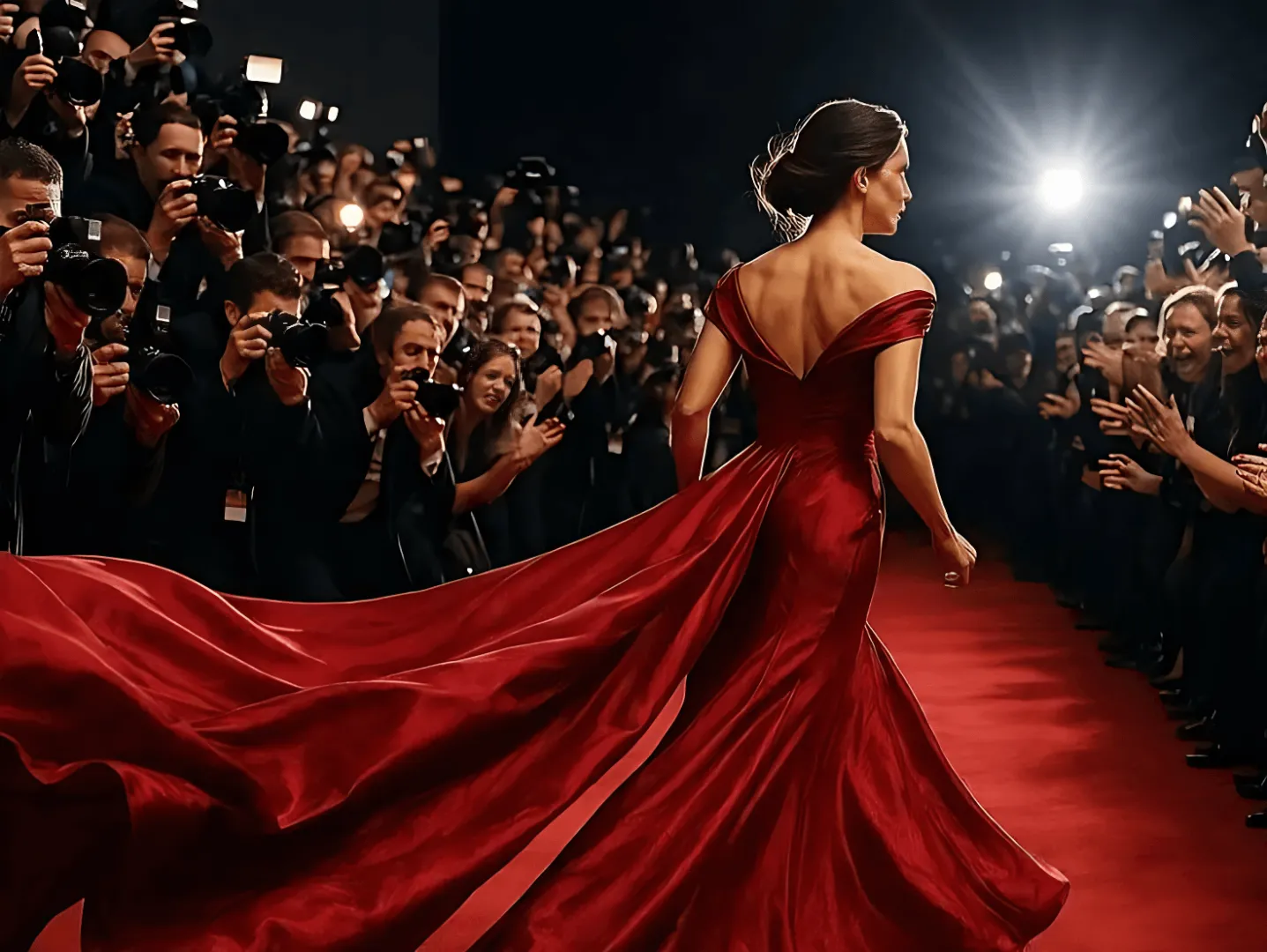
Face character swap online lets fans imagine new roles inside dramatic scenes, dance clips, or action moments. A reference image can reshape the video without rebuilding the whole shot.
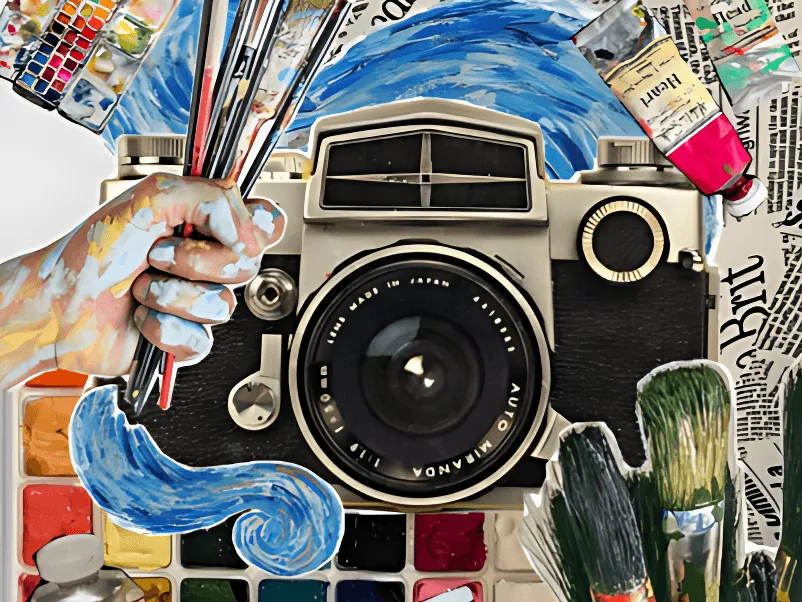
Use video character swap online to create different creator-style versions from one base clip. It helps test visual direction, audience fit, and character appeal before filming more content.
A face character swap generator can help directors, designers, or marketers preview a new role in motion. It turns a static concept image into a more convincing video reference.
The free character swap tool is also great for casual edits. Replace a role with a friend, character, or stylized portrait and make shareable videos for jokes, greetings, or events.
Use a free character swap tool to turn a reference avatar into a moving social clip. It helps creators build short posts, reactions, intros, or meme-style videos while keeping the source motion clean and familiar.
With AI character swap generator, teams can place a mascot, spokesperson, or campaign character into existing video scenes. It is useful for quick creative tests before producing full ad material.
Face character swap online lets fans imagine new roles inside dramatic scenes, dance clips, or action moments. A reference image can reshape the video without rebuilding the whole shot.
Use video character swap online to create different creator-style versions from one base clip. It helps test visual direction, audience fit, and character appeal before filming more content.
A face character swap generator can help directors, designers, or marketers preview a new role in motion. It turns a static concept image into a more convincing video reference.
The free character swap tool is also great for casual edits. Replace a role with a friend, character, or stylized portrait and make shareable videos for jokes, greetings, or events.
VideoFaceSwap AI character swap generator gives creators a simple, browser-based way to make character swap videos with realistic motion and a smooth generation experience.
The workflow is simple enough for first-time users. Upload a video, add a target image, and generate. AI character swap online feels closer to using a smart web tool than learning video editing software.
VideoFaceSwap values user privacy during AI character swap creation. Your uploaded video and reference image are used for your generation, helping you create edits with more confidence and control.
The video character swap generator is made for quick creation. Instead of spending hours masking and tracking, you can produce a video character swap in a streamlined online process.
A good face character swap generator should preserve expression, motion, and scene balance. VideoFaceSwap focuses on natural blending so the new role feels connected to the original video.
Create AI character swap online from a desktop, laptop, tablet, or mobile browser. You do not need to install heavy software or move your project between editing apps.
Use the free character swap tool for realistic people, stylized avatars, fictional roles, creative personas, or brand characters. It supports flexible video role replacement ideas.
Create a video character swap in three simple steps, with no editing timeline, no masking work, and no professional video software required.
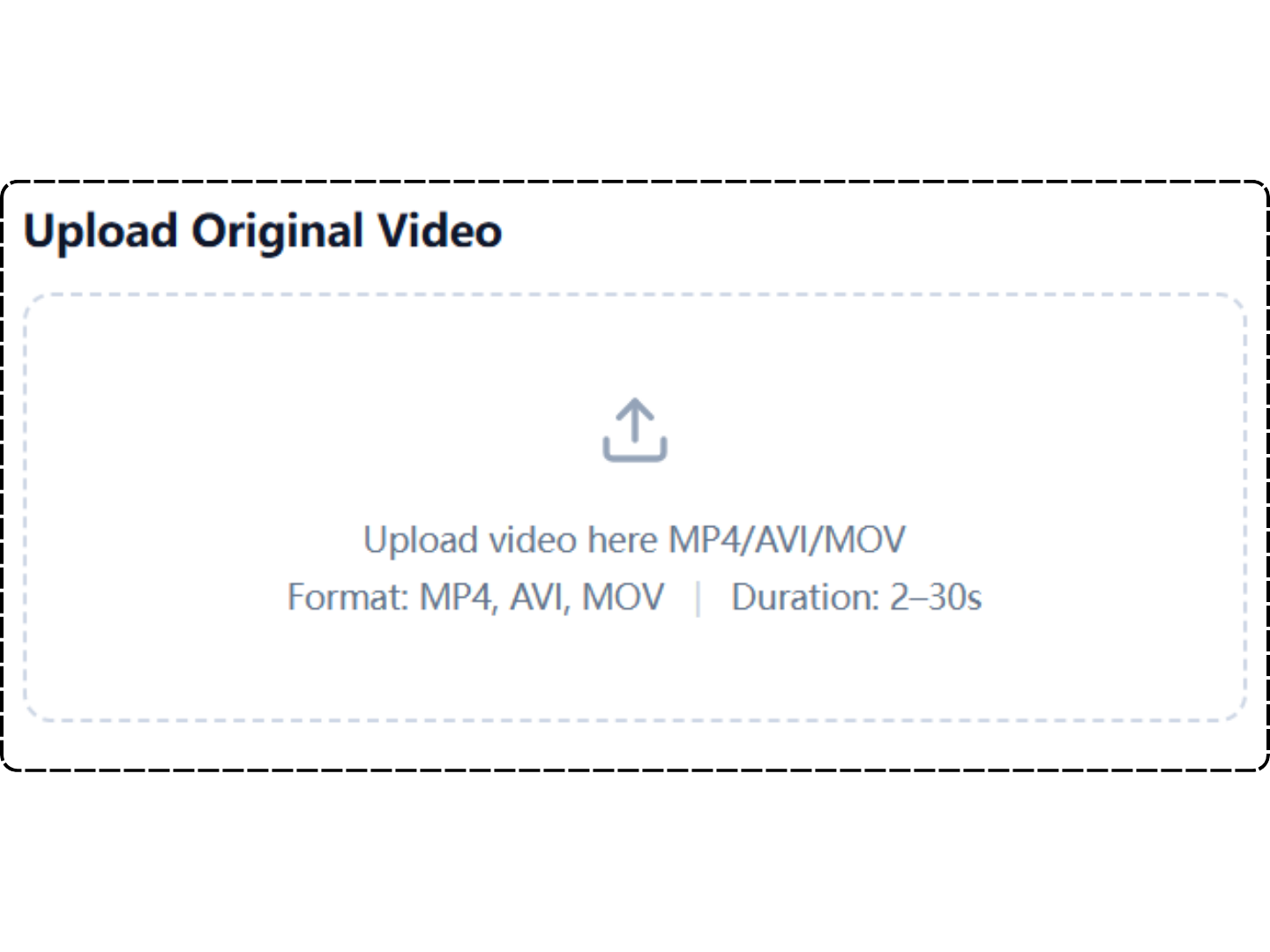
Choose the video you want to edit. For better video character swap results, use a clear clip where the original character is visible and moving naturally.
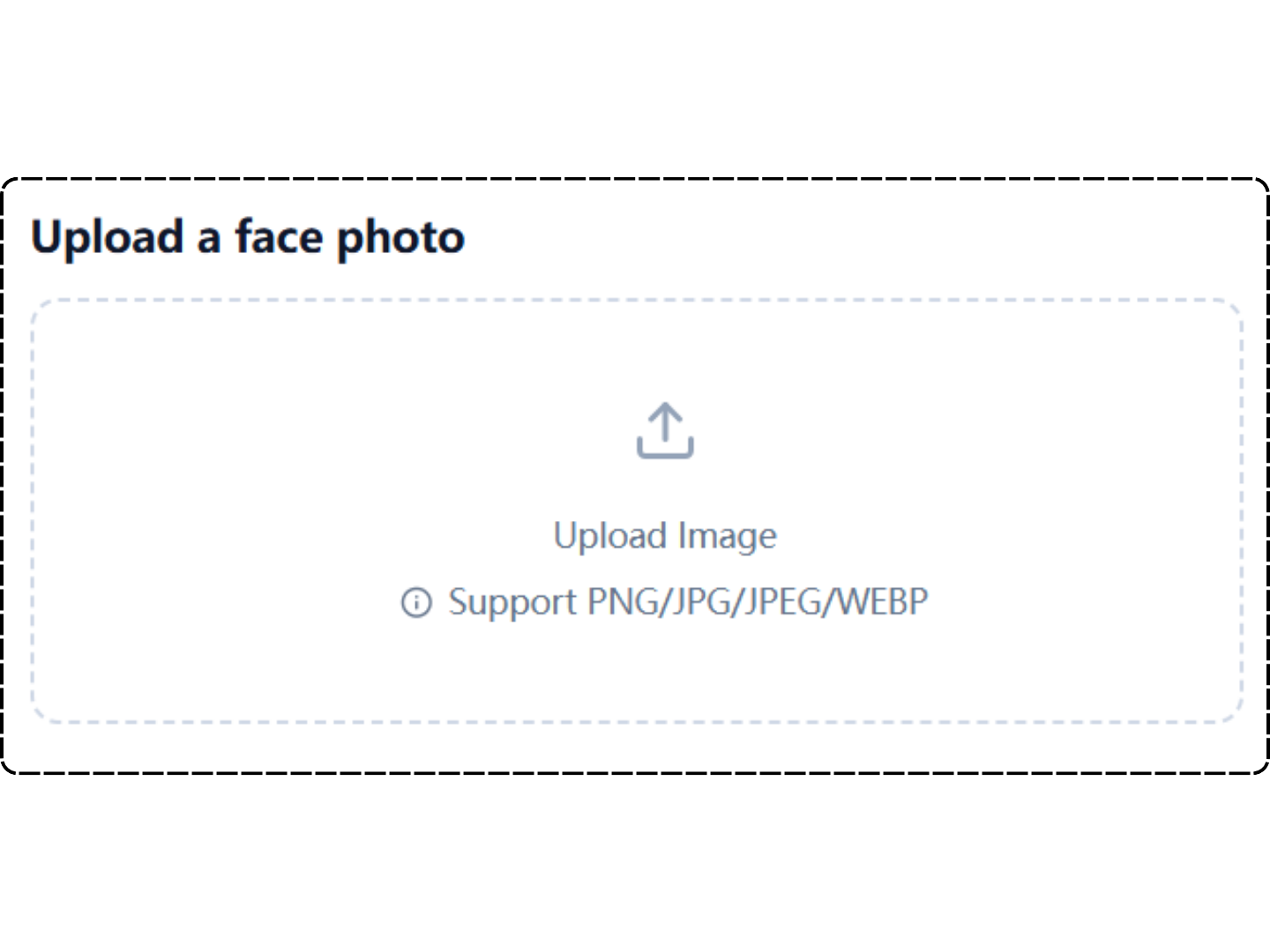
Upload a reference image of the new person, avatar, or character. The AI character swap generator process uses it to guide identity, style, and appearance.
Click generate and let the AI character swap generator process the clip. When the result is ready, preview it online and download your new video.
Creators use VideoFaceSwap AI character swap online to test new characters, refresh old footage, and make video edits that feel faster, cleaner, and easier to produce.
I used free character swap tool for a short campaign preview, and it saved a full reshoot. The new role kept the original gestures and camera angle, which made the edit look much more believable than I expected.
The AI character swap generator workflow is surprisingly simple. I uploaded a product video and a reference model image, then got a clean result without touching masks, layers, or editing software.
I needed a video character swap for a concept pitch. Free character swap tool helped me show how a new character would look in motion, not just as a still image. That made the idea easier to explain.
Find quick answers about AI character swap generator, video quality, target images, online generation, and common creative uses.
Upload a video, add a target character image, and let AI Character Swap create a new version that keeps the original movement, expression, and scene structure.