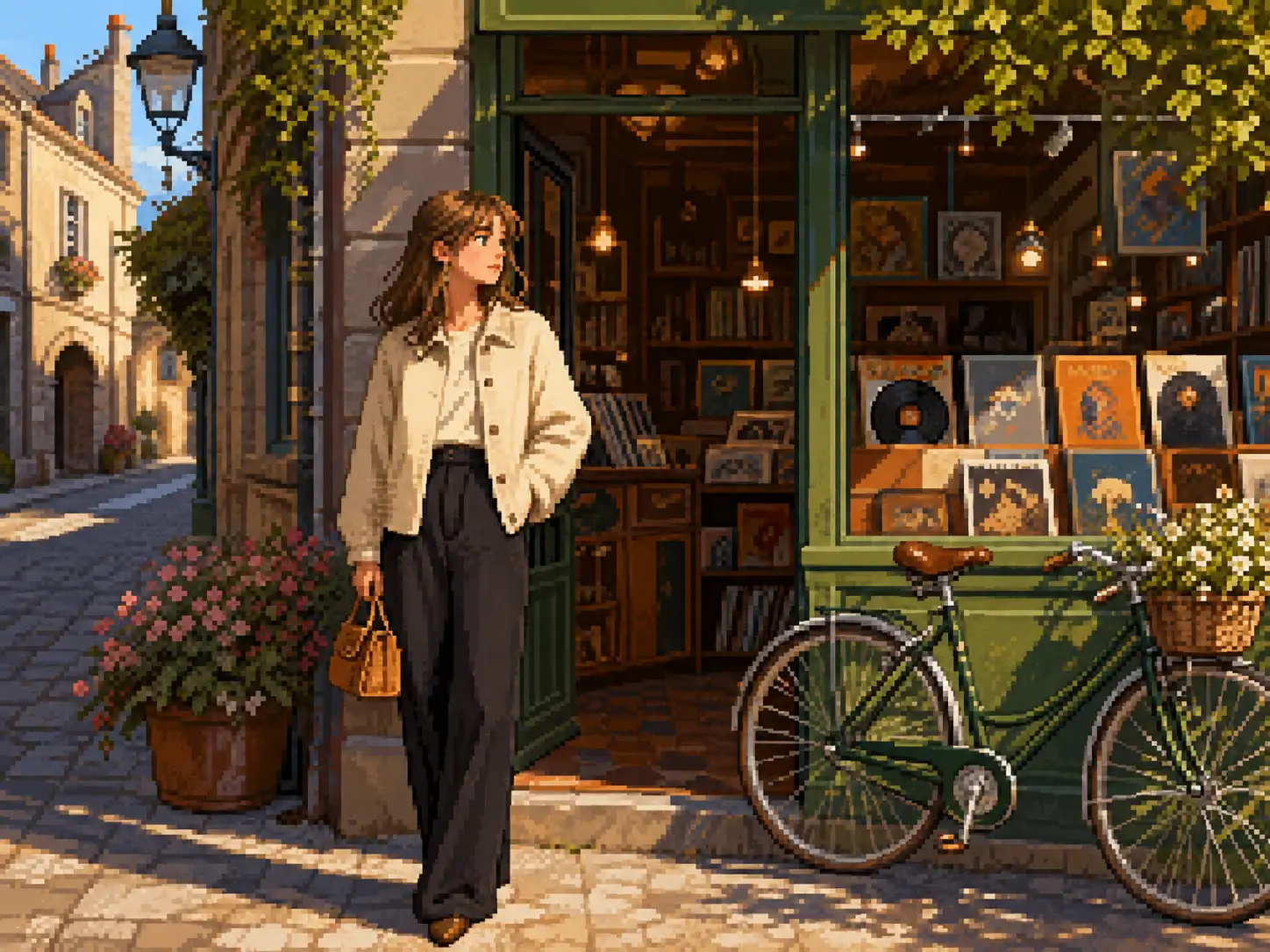
Retro Portraits & Avatars
Give a selfie, family photo, or character portrait a nostalgic pixel treatment. Use it to build profile pictures, avatars, and keepsakes that still look like the person in the picture.
Convert a photo to pixel art online in seconds. Upload an image, pick a preset pixel style or fine-tune the prompt, and download the retro result.
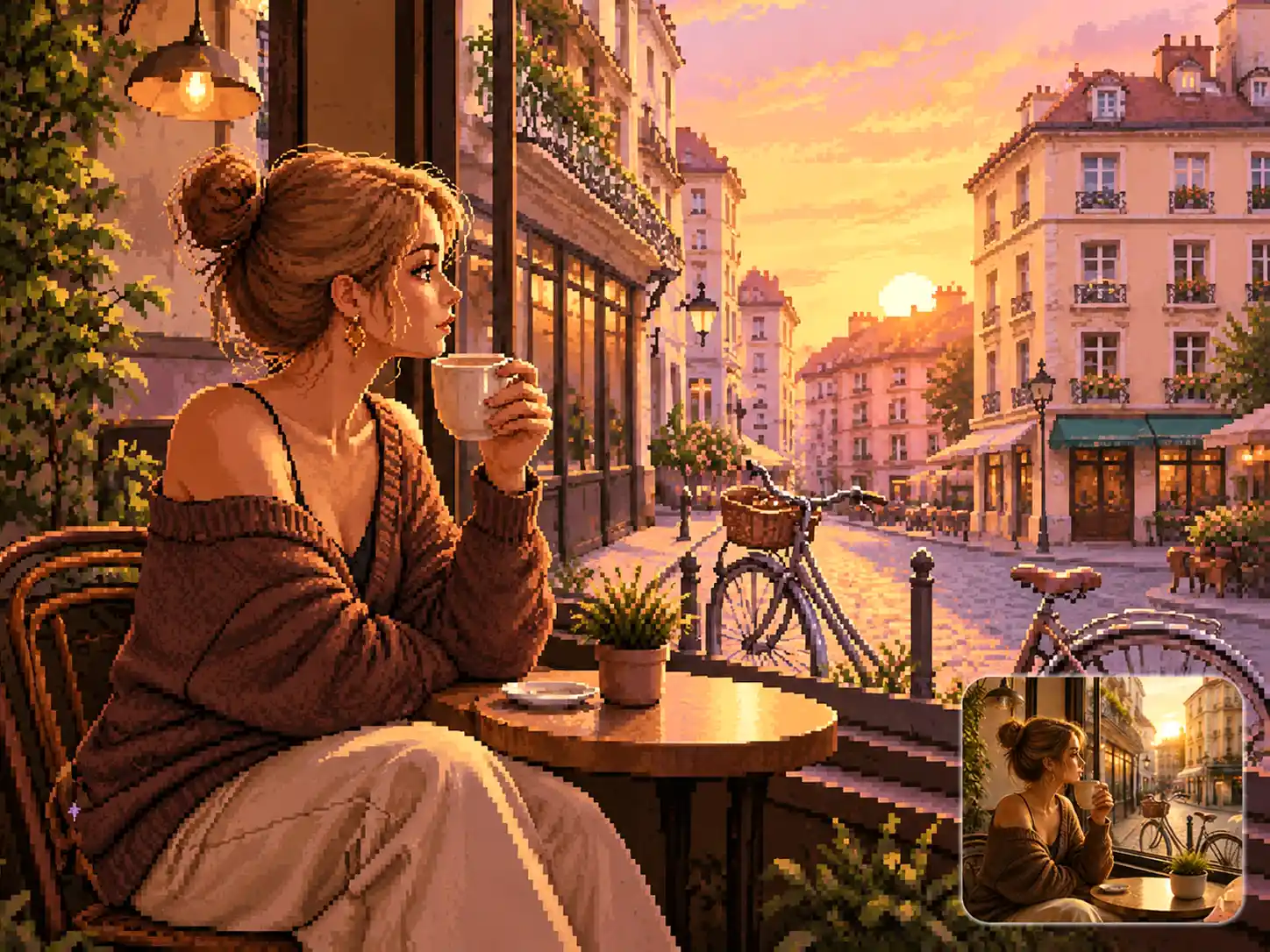
Upload one image and generate a retro pixel-art version for 4 credits.
JPG, PNG, or WebP. Your image is converted using our fixed pixel-art style.
Everything you need to turn a photo into pixel art, from ready-made preset styles to your own prompt, with no software to install.
Upload a photo, portrait, pet, or illustration and the image to pixel art converter starts right away, finishing most images in seconds. Phone photos, screenshots, and character art all work the same way, with nothing to install and no queue to wait in.
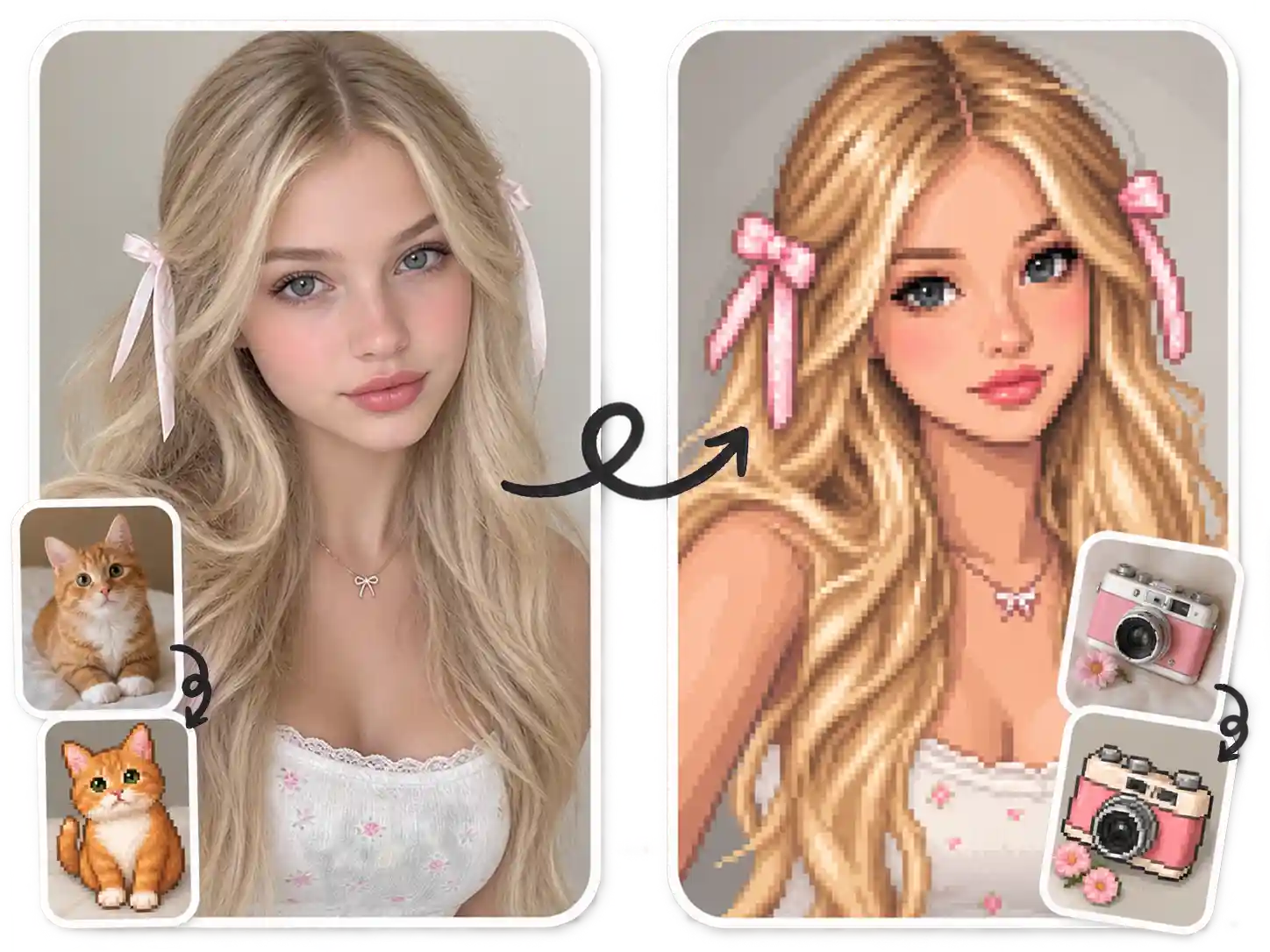
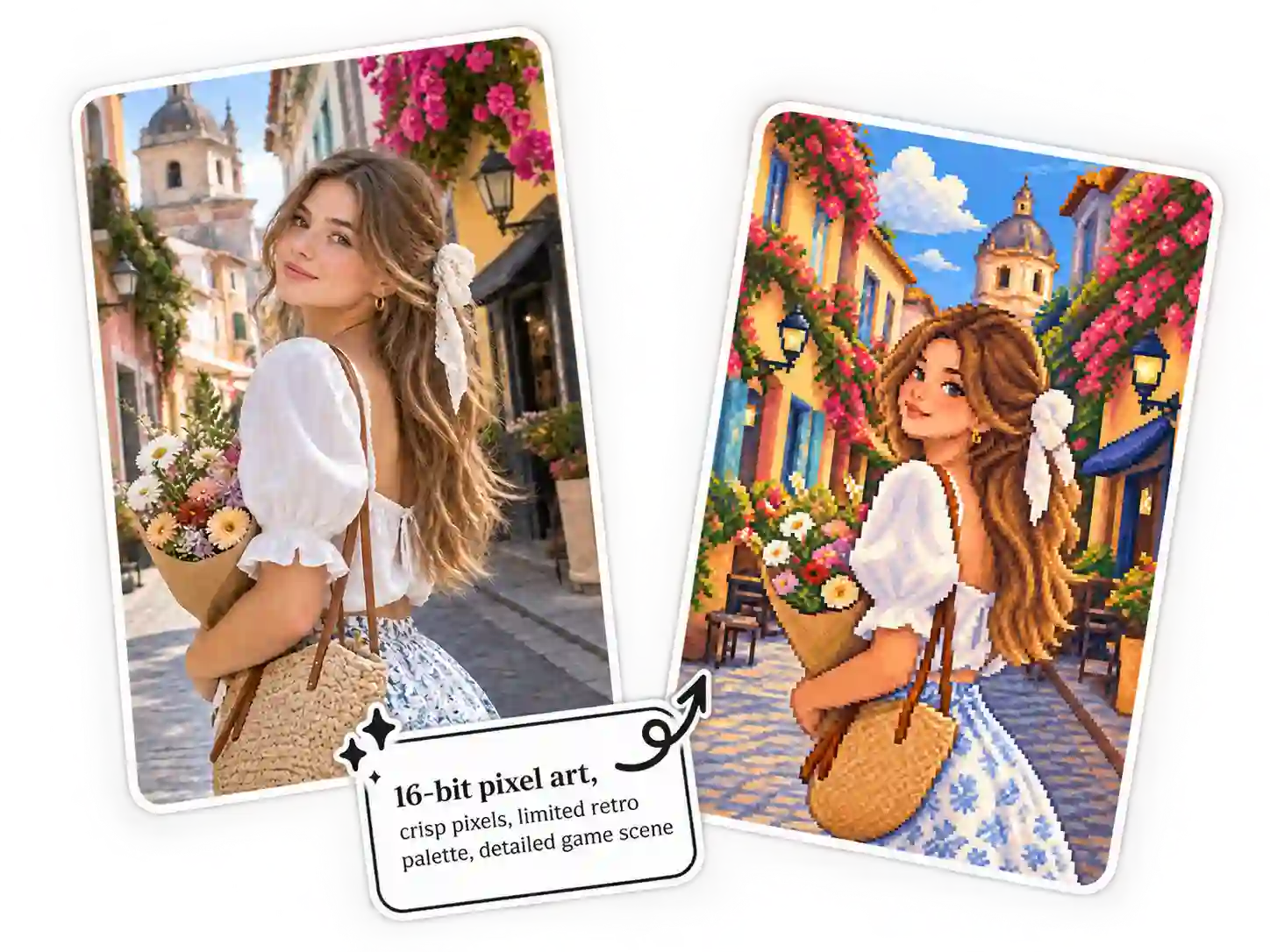
Pick a built-in pixel preset, then build on it with your own prompt. Start from the preset when you want a quick transformation, or add your own creative direction to customize the result. Either way, the conversion works from the photo you upload.
The converter works from your original image, so the person, pet, character, or scene you uploaded stays recognizable after conversion. Converting a photo to pixel art keeps the main subject, the composition, and the details that matter, so you do not lose what made the picture worth uploading.
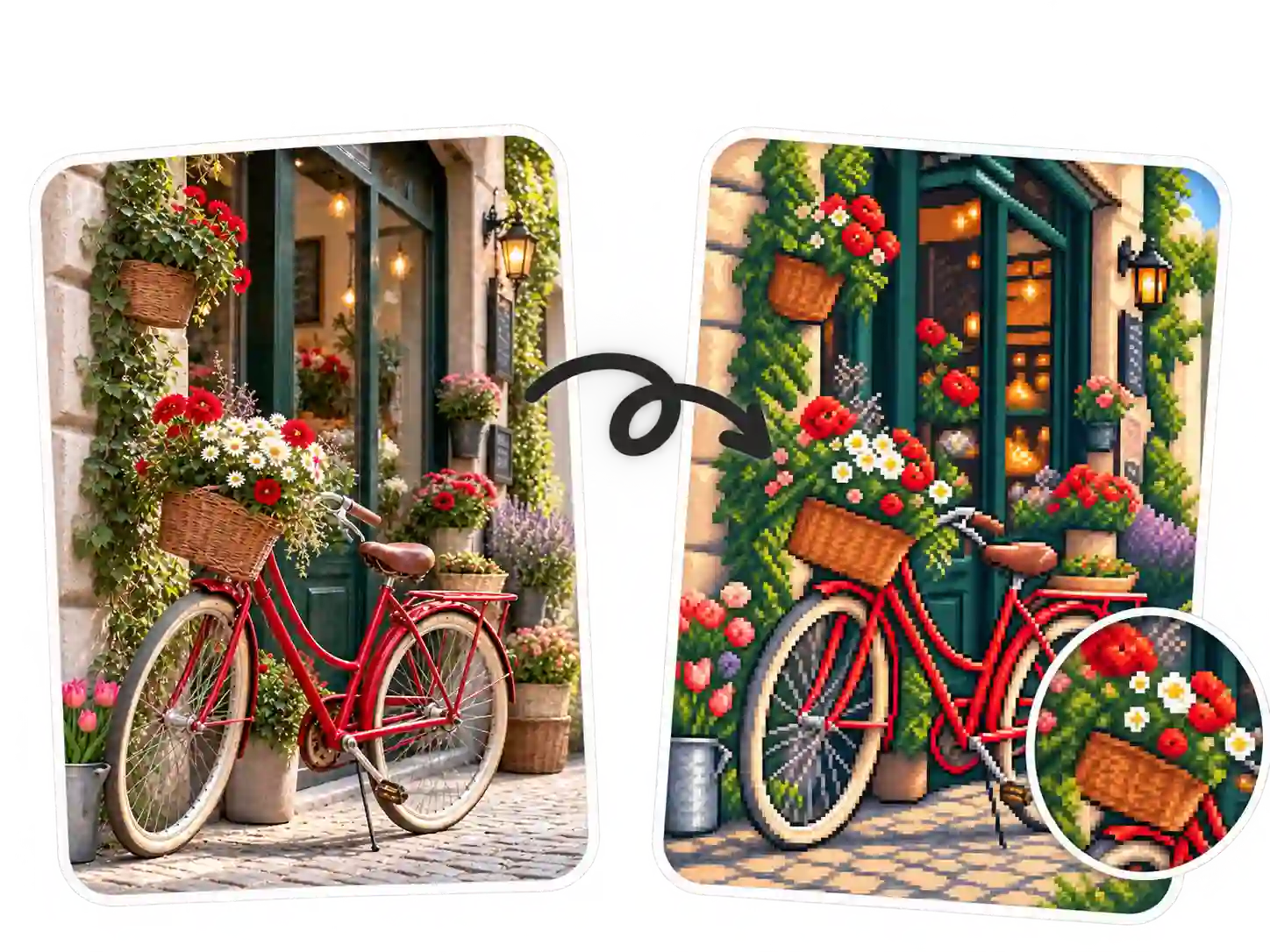
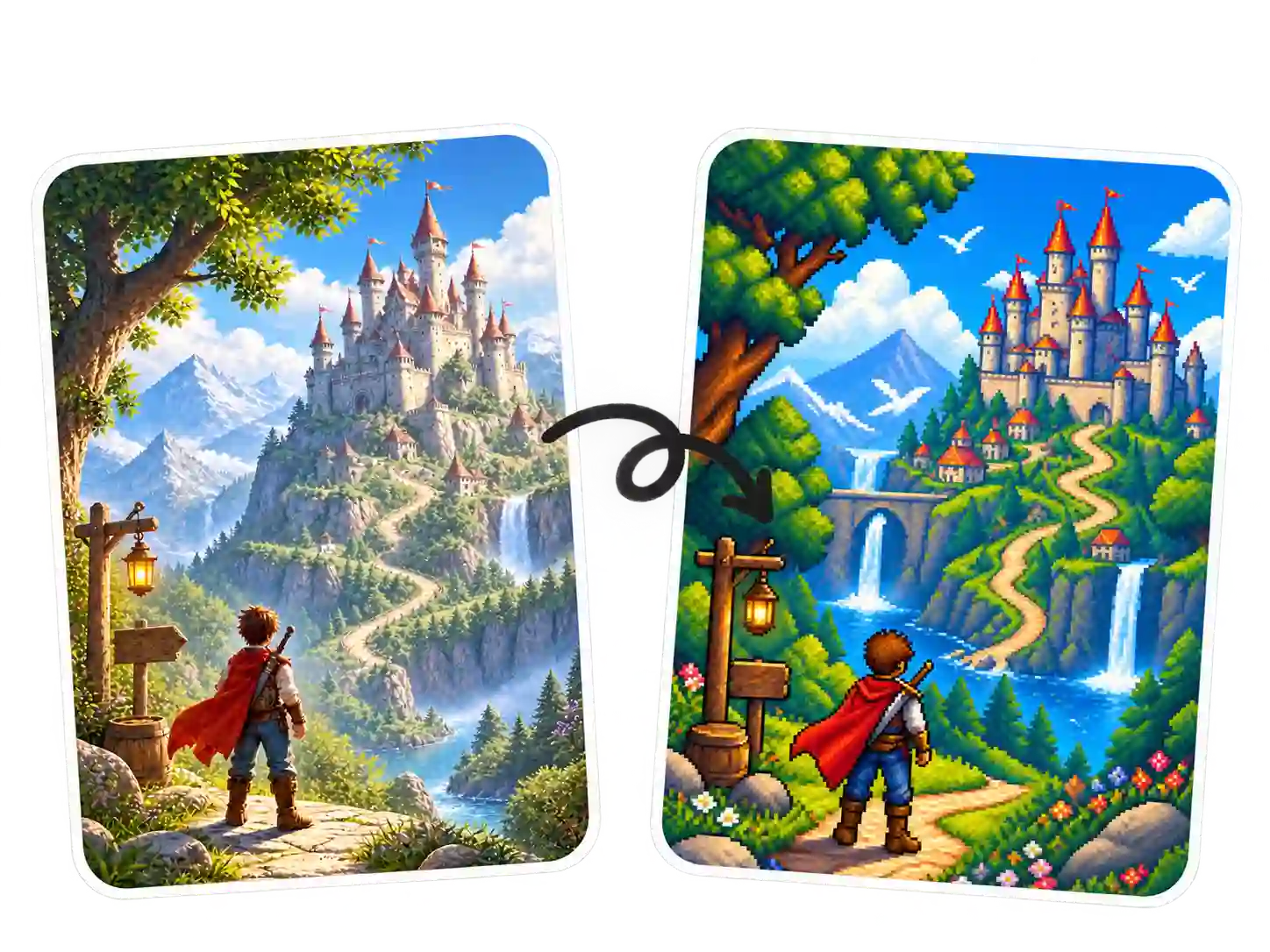
Everything runs in your browser. Upload an image, pick a preset style or add a short prompt, and download the finished pixel artwork, clean and watermark-free, ready for profiles, game assets, or social posts. Generate a few variations with image to pixel art online, then keep the one you like best.
From profile pictures to indie game art, here is how creators put image to pixel art to work.
Give a selfie, family photo, or character portrait a nostalgic pixel treatment. Use it to build profile pictures, avatars, and keepsakes that still look like the person in the picture.
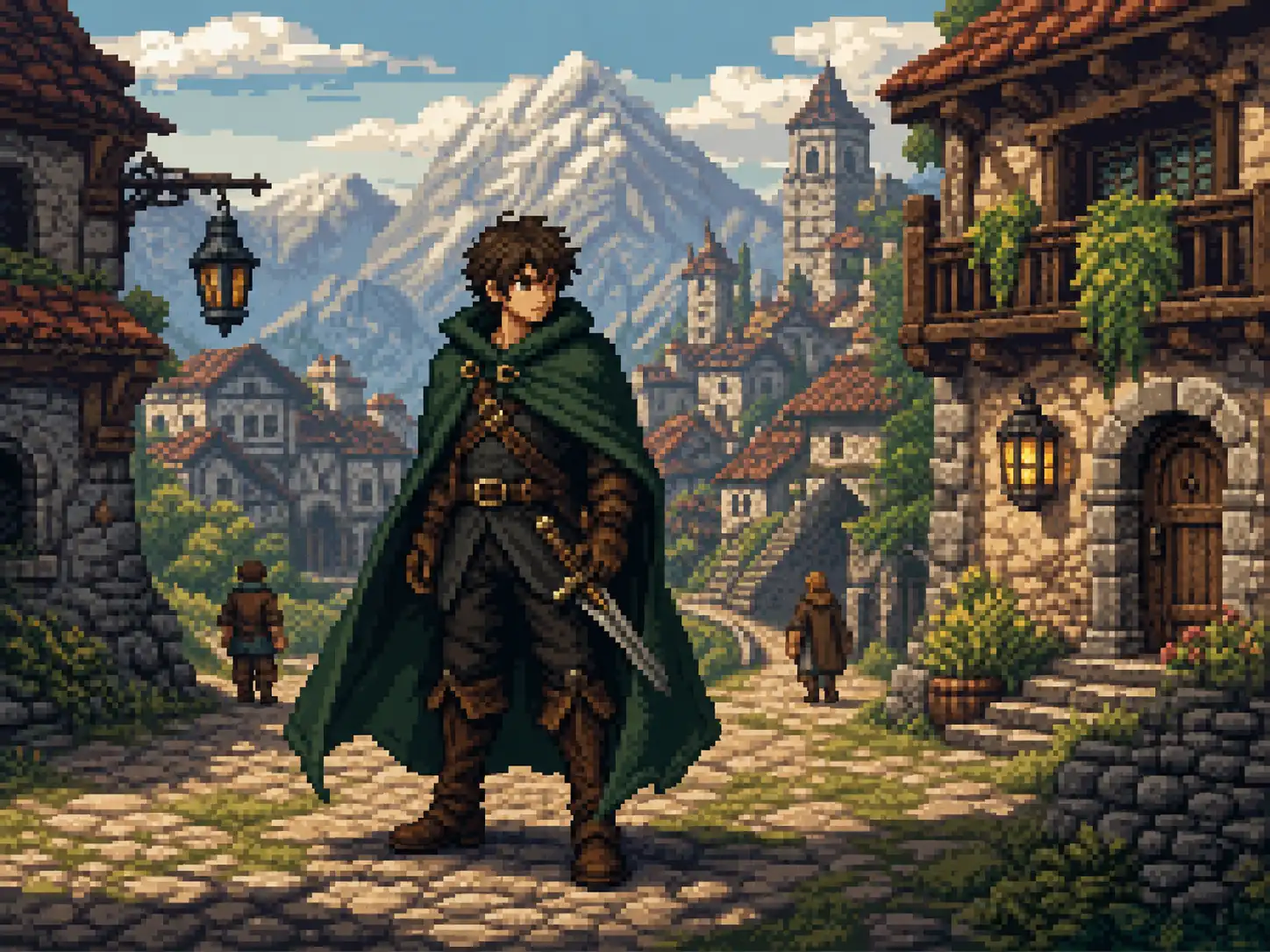
Turn character art, cosplay photos, or illustrations into pixel-style sprites. Start from a preset or add a short prompt to steer the look. It also doubles as a fast concept tool for game ideas.
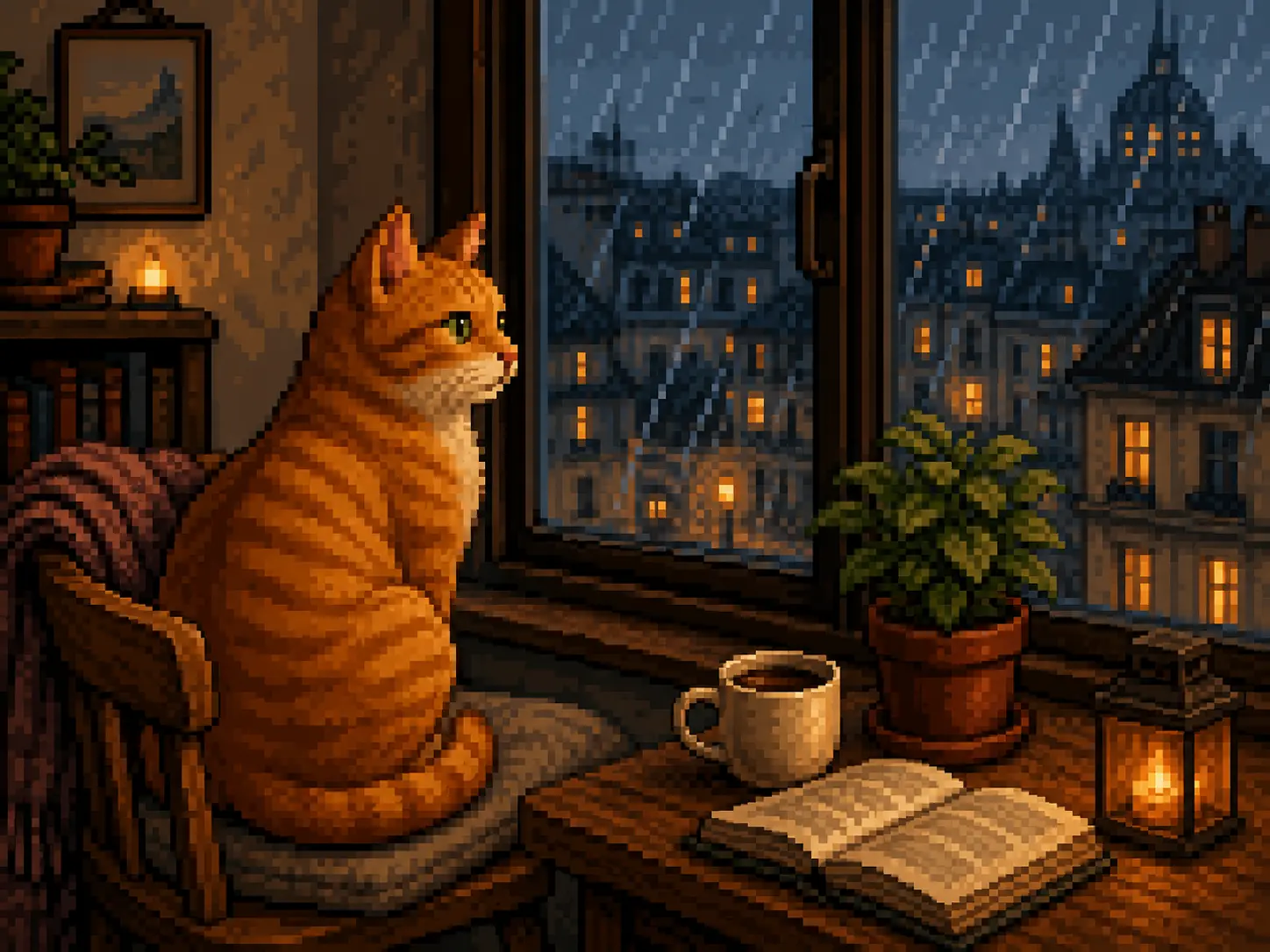
Pixelate a dog, cat, or an ordinary weekend photo and give it a playful retro look with image to pixel art. It turns pictures you would normally scroll past into something worth sharing.
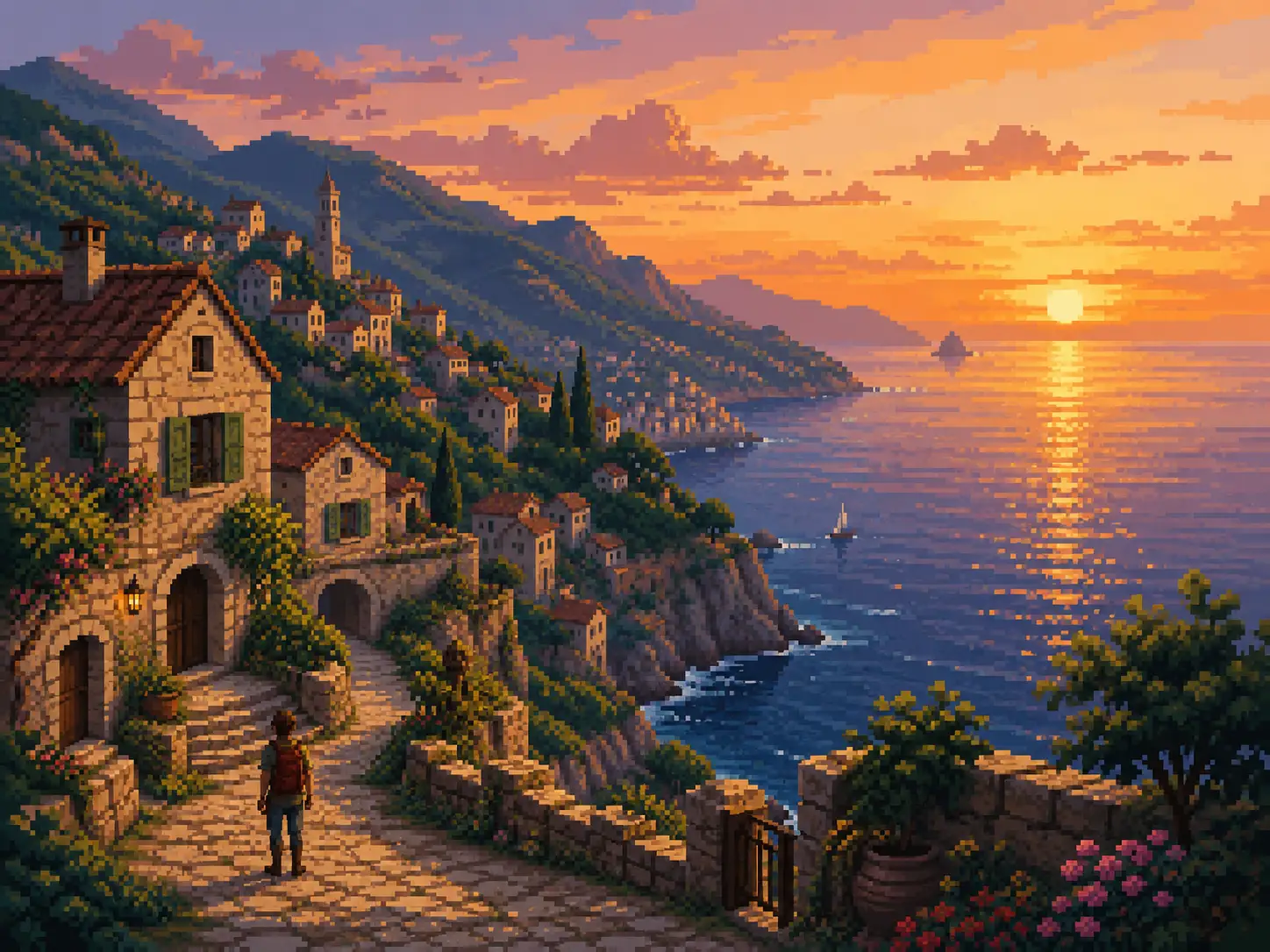
Convert travel shots, scenery, and illustrations into stylized pixel scenes. You can go from a simple game background to a rich retro landscape in a few passes.
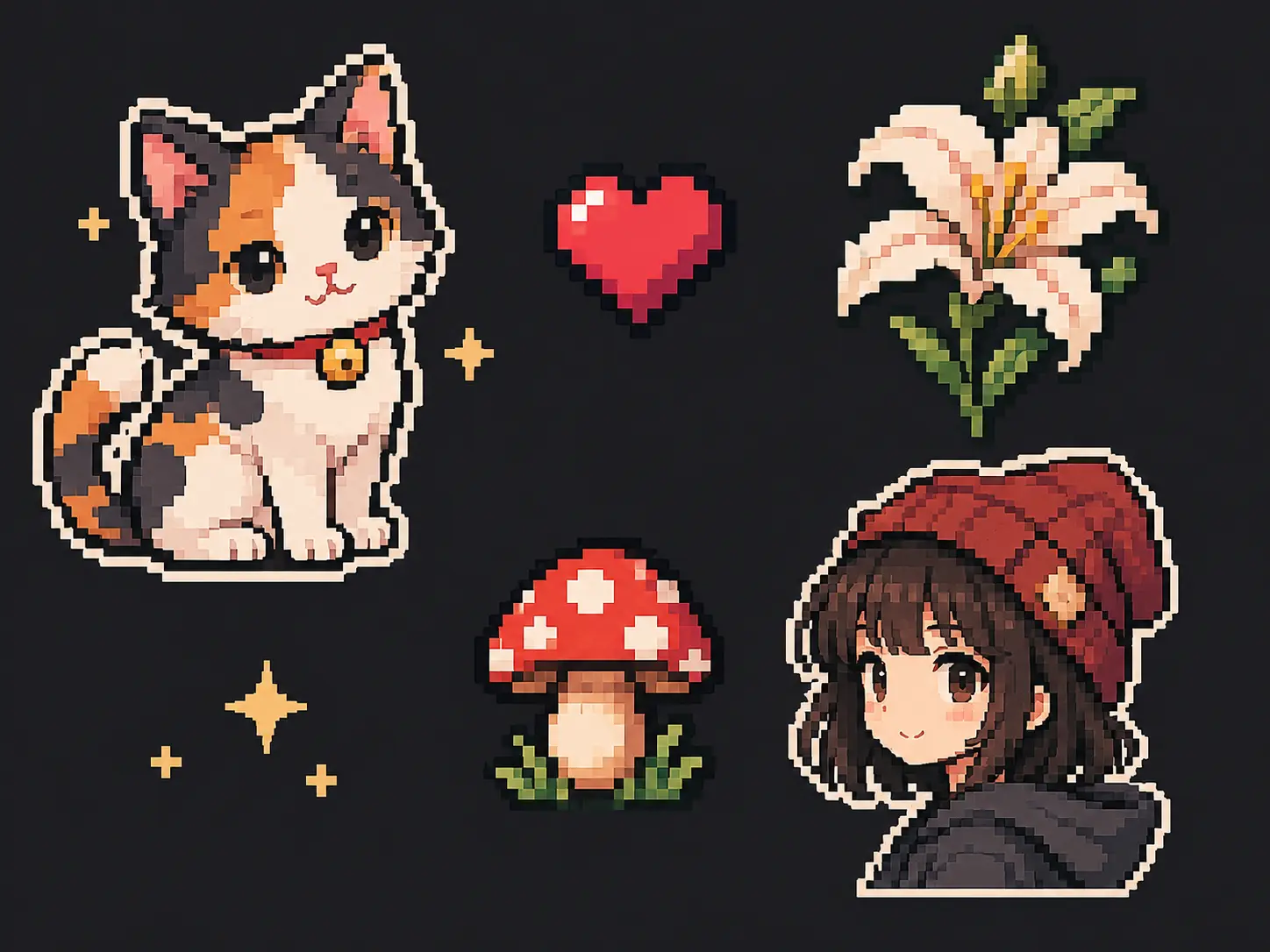
Make pixel icons, sticker art, or tattoo references from a photo or sketch. The result stays clean and readable at small sizes, which is exactly what icons and stencils need.
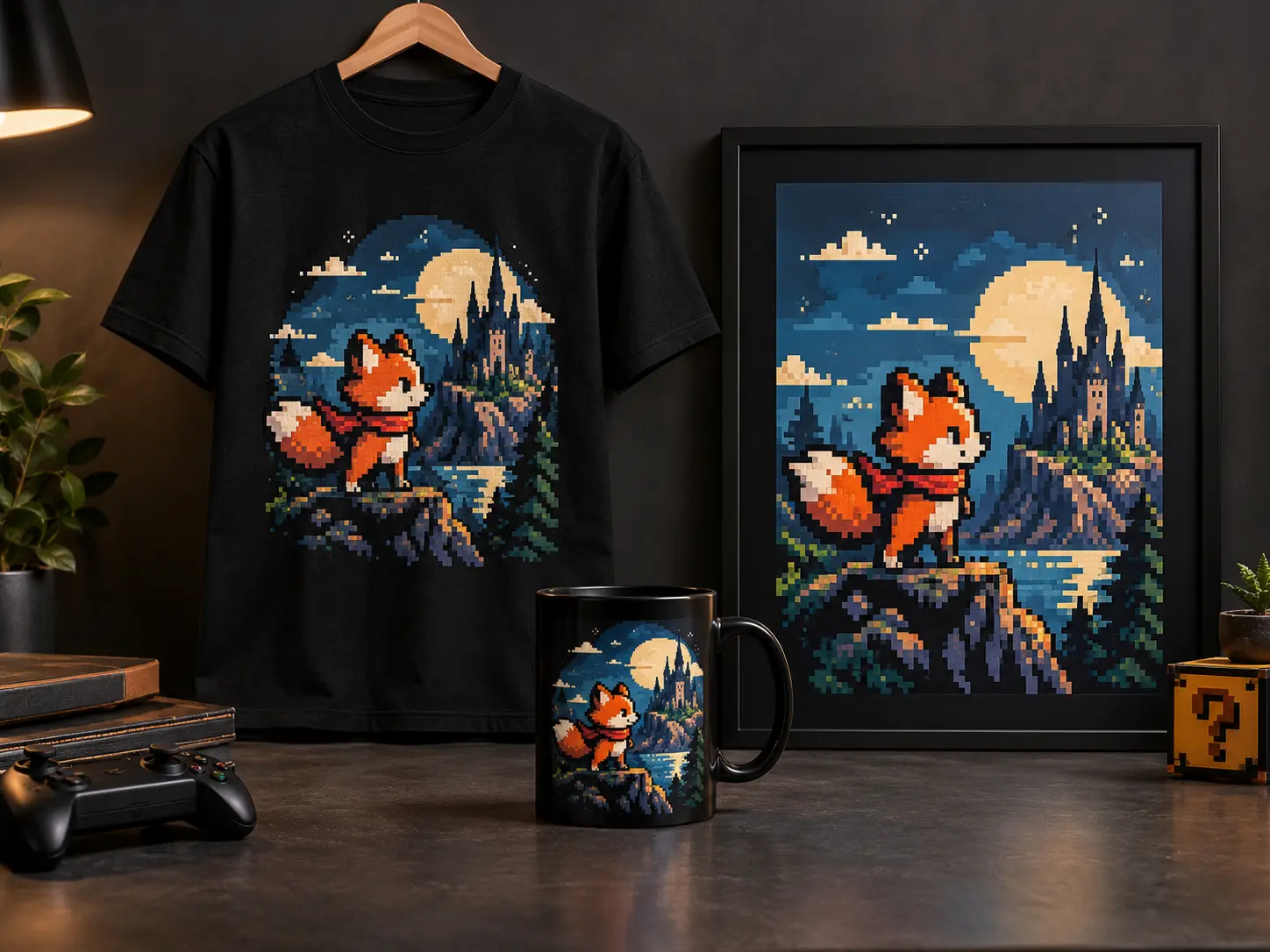
Prepare pixel artwork for t-shirts, mugs, posters, and other print-on-demand products. A quick photo to pixel art pass gets you a print-ready retro look without hiring a pixel artist.
Give a selfie, family photo, or character portrait a nostalgic pixel treatment. Use it to build profile pictures, avatars, and keepsakes that still look like the person in the picture.
Turn character art, cosplay photos, or illustrations into pixel-style sprites. Start from a preset or add a short prompt to steer the look. It also doubles as a fast concept tool for game ideas.
Pixelate a dog, cat, or an ordinary weekend photo and give it a playful retro look with image to pixel art. It turns pictures you would normally scroll past into something worth sharing.
Convert travel shots, scenery, and illustrations into stylized pixel scenes. You can go from a simple game background to a rich retro landscape in a few passes.
Make pixel icons, sticker art, or tattoo references from a photo or sketch. The result stays clean and readable at small sizes, which is exactly what icons and stencils need.
Prepare pixel artwork for t-shirts, mugs, posters, and other print-on-demand products. A quick photo to pixel art pass gets you a print-ready retro look without hiring a pixel artist.
Six reasons creators convert photos with AI instead of redrawing pixels by hand.
Free daily credits let you run conversions every day at no cost, so you can test a few styles and keep the result you like without paying upfront.
The image to pixel art converter rebuilds your image as intentional pixel artwork with crisp pixel edges and a chosen retro palette, instead of dropping a heavy pixelation filter over the top.
Begin with a preset pixel style, or layer your own prompt over it when you want more say over the final image. Both routes skip the pixel-by-pixel work.
Download clean pixel art with no forced branding on the image. What comes back is a file you can post, print, or drop into a project right away.
Uploads are encrypted and auto-deleted after processing. Your images never end up in a public gallery, and the converter keeps every session private by design.
You can open the image to pixel art converter in any modern browser on a phone, tablet, or laptop. No app to download, so you can start converting your photos wherever you are.
From upload to download, the whole workflow takes under a minute.
Add the photo, portrait, illustration, or character art you want to convert. A clear image with a recognizable subject gives the converter a better starting point.
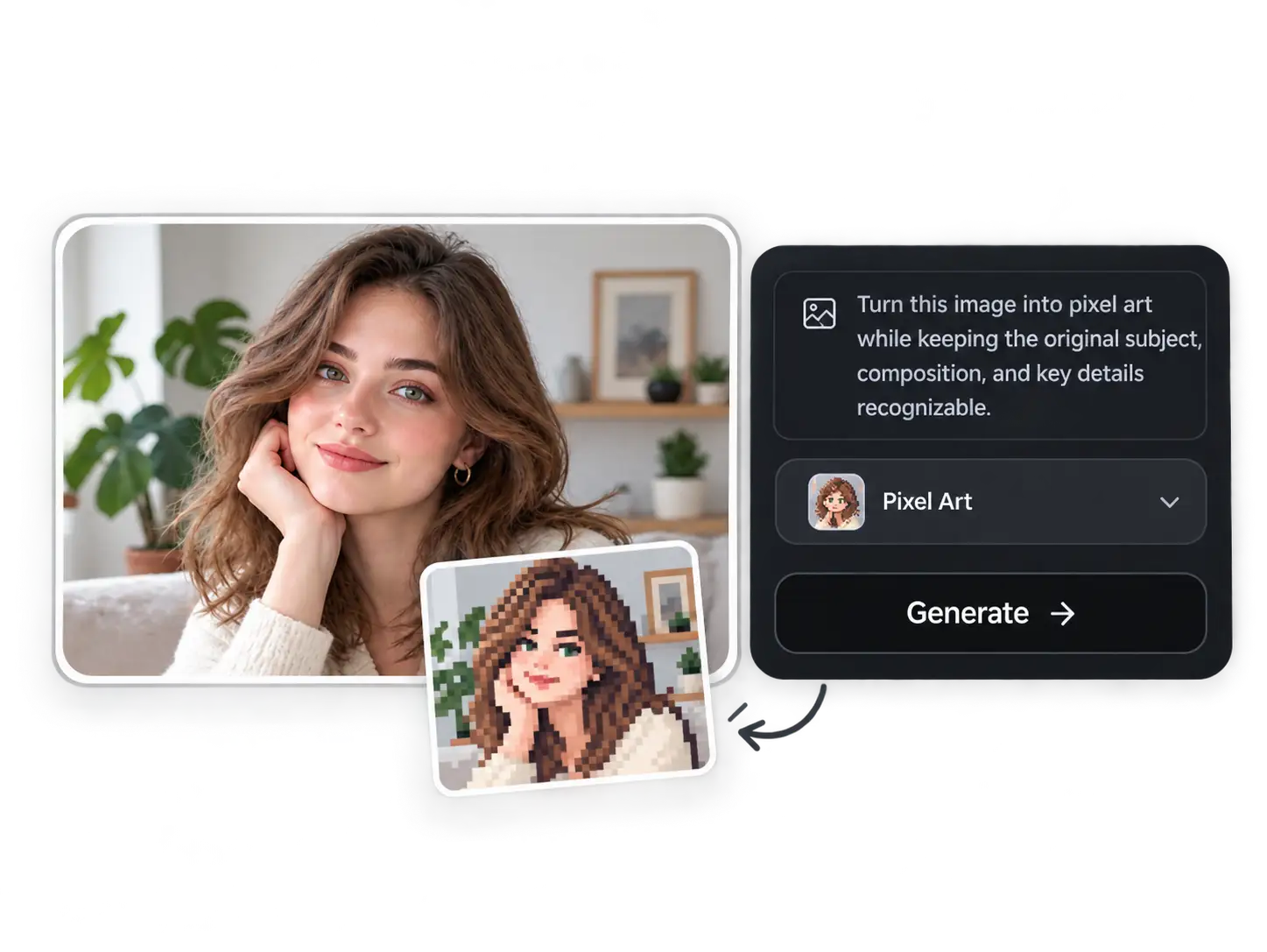
Pick a preset pixel style or refine the prompt when you want more control. Your uploaded photo stays the source, and image to pixel art online handles the rest.
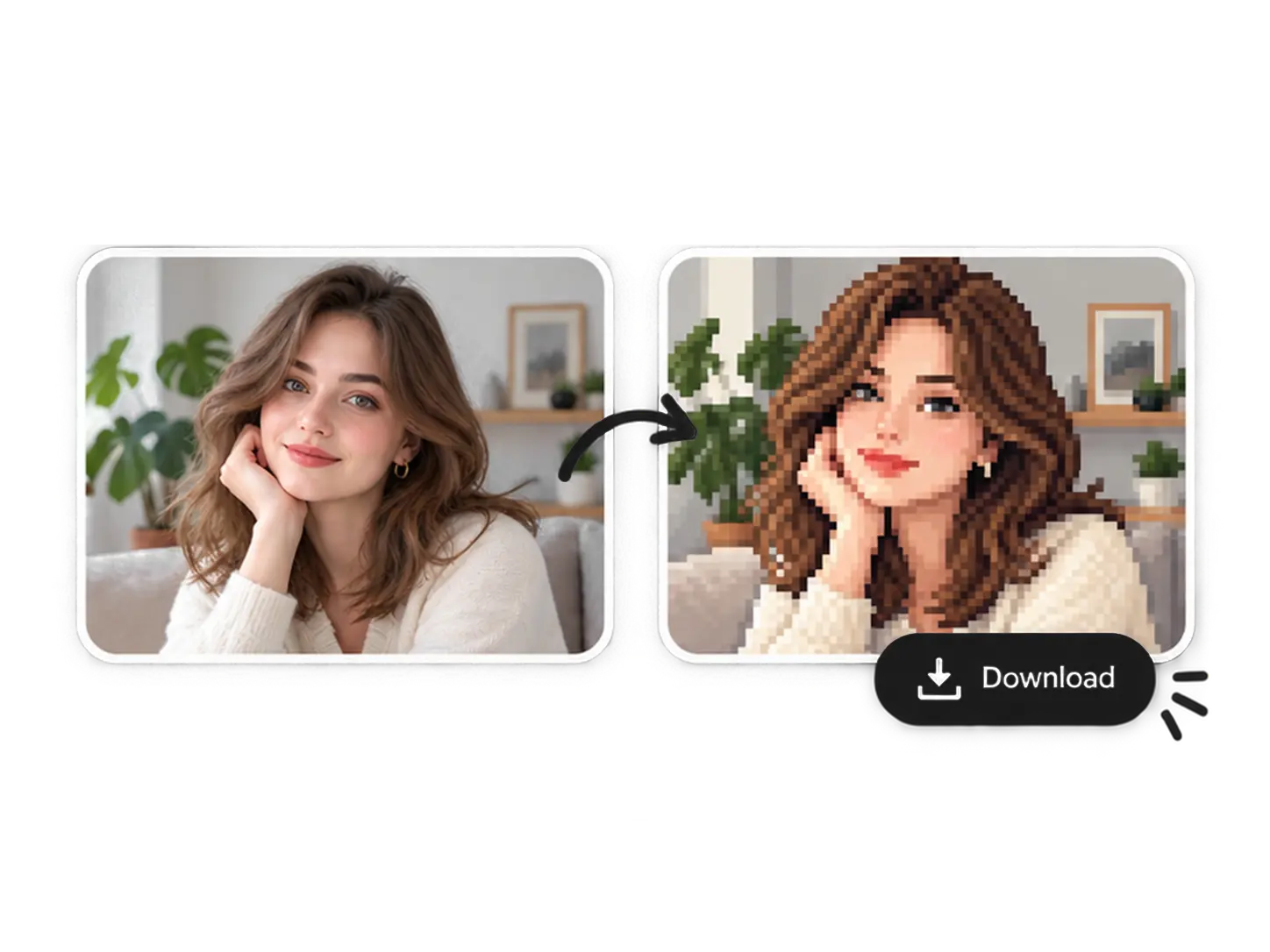
Press generate and preview the result. Download the pixel artwork in high quality with no watermark, then reuse it for avatars, game assets, or social posts.
Read real user experiences and discover how pixel art conversion helps creators, artists, and everyday users turn photos into retro-style artwork easily.
I use image to pixel art for profile pictures and creative projects. The preset styles get me a retro look in seconds, and the result still looks like the photo I uploaded.
This pixel art converter helps me test different looks quickly. I start from a preset, adjust the prompt, and get clean pixel artwork without any editing software.
I enjoy using it online because it is simple and reliable. The result stays sharp and clean, which is perfect for quick visual experiments and small game ideas.
Quick answers about preset styles, prompts, and free daily credits.
Upload a photo, choose a preset pixel look, and download clean retro pixel artwork in seconds.