
AI Video Extender: Make Videos Longer with AI
Extend a video instead of reshooting it. Describe what you want to happen next, and the AI video extender adds the missing seconds while preserving your subject, the motion, and visual continuity.
Extend Any Video Instantly with AI Video Extender!
Make short clips longer in seconds by generating natural continuations, smoother transitions, and more engaging video content.
Upload Video
Prompt
Your AI-edited video will appear here
Upload a source video, enter a prompt, and preview the generated result here.
See What Our AI Video Extender Free Can Create
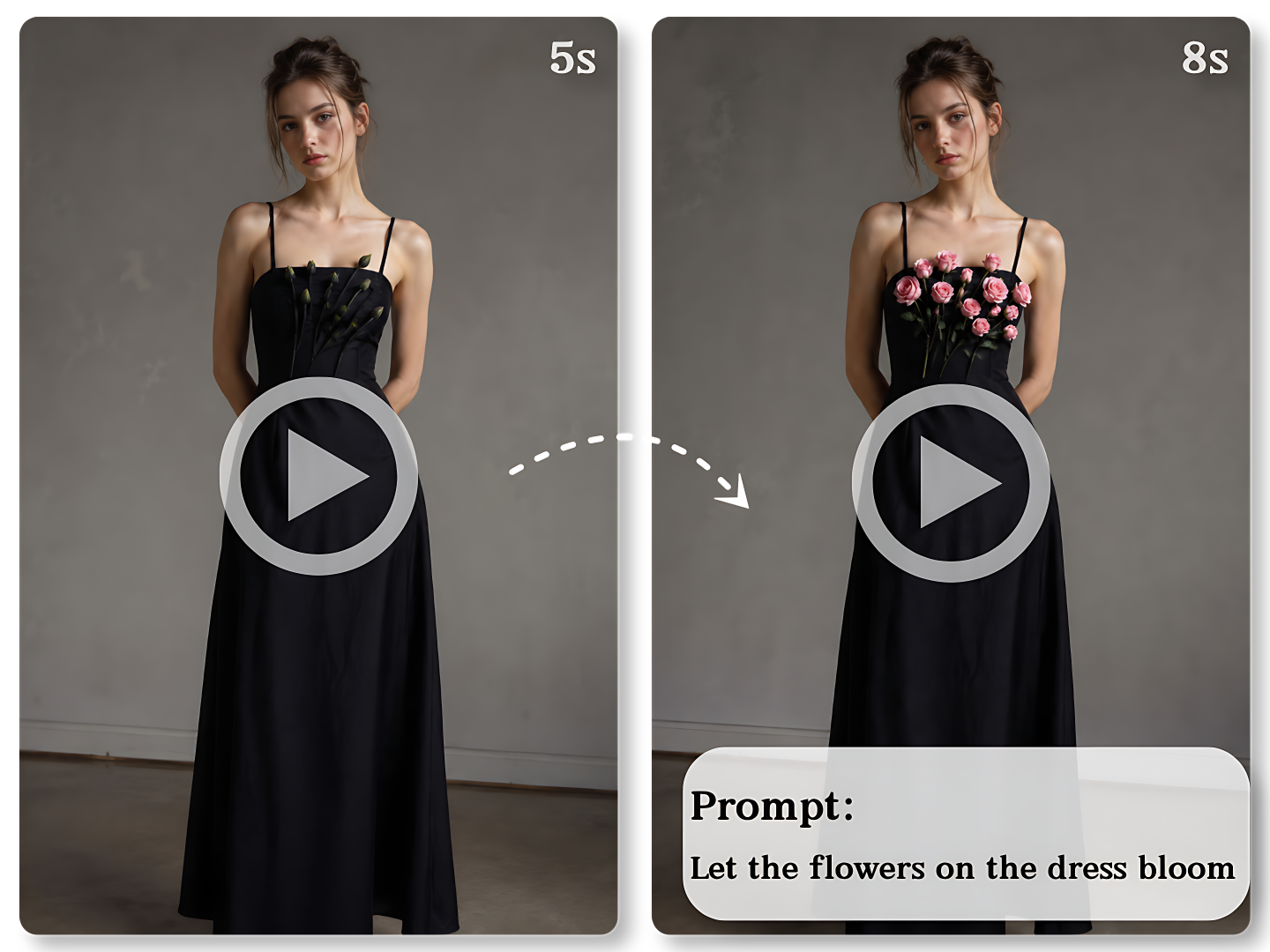
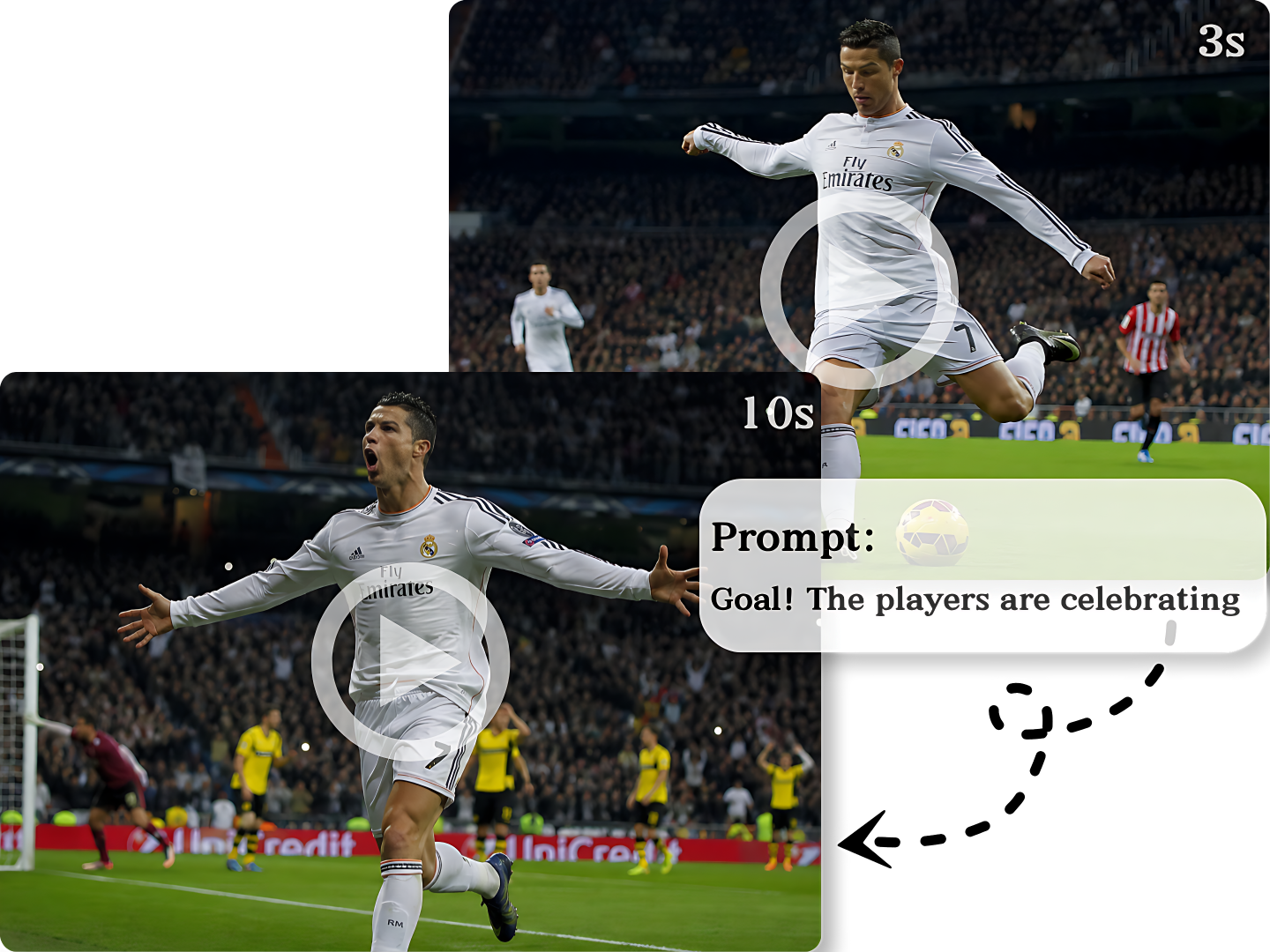
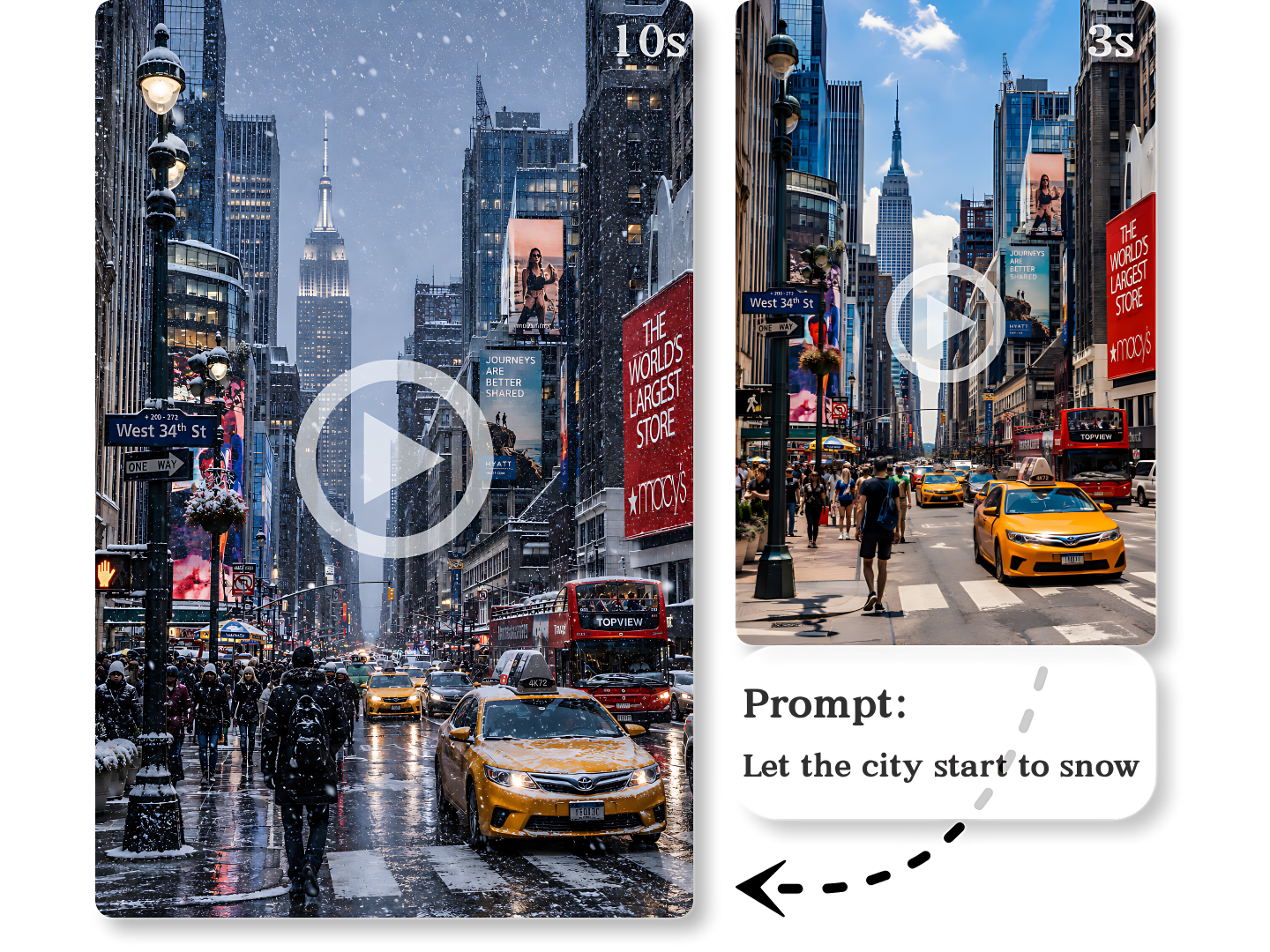
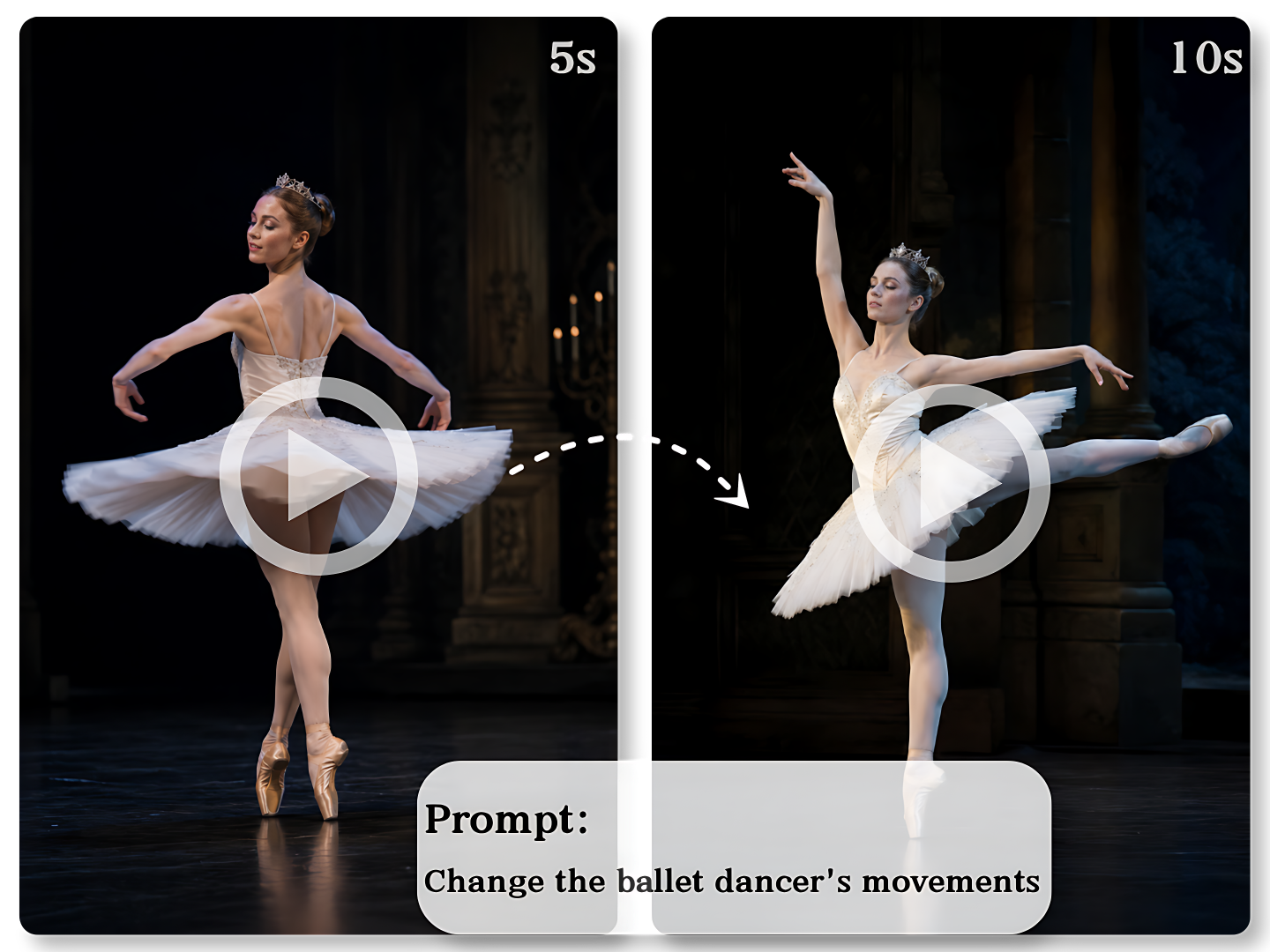
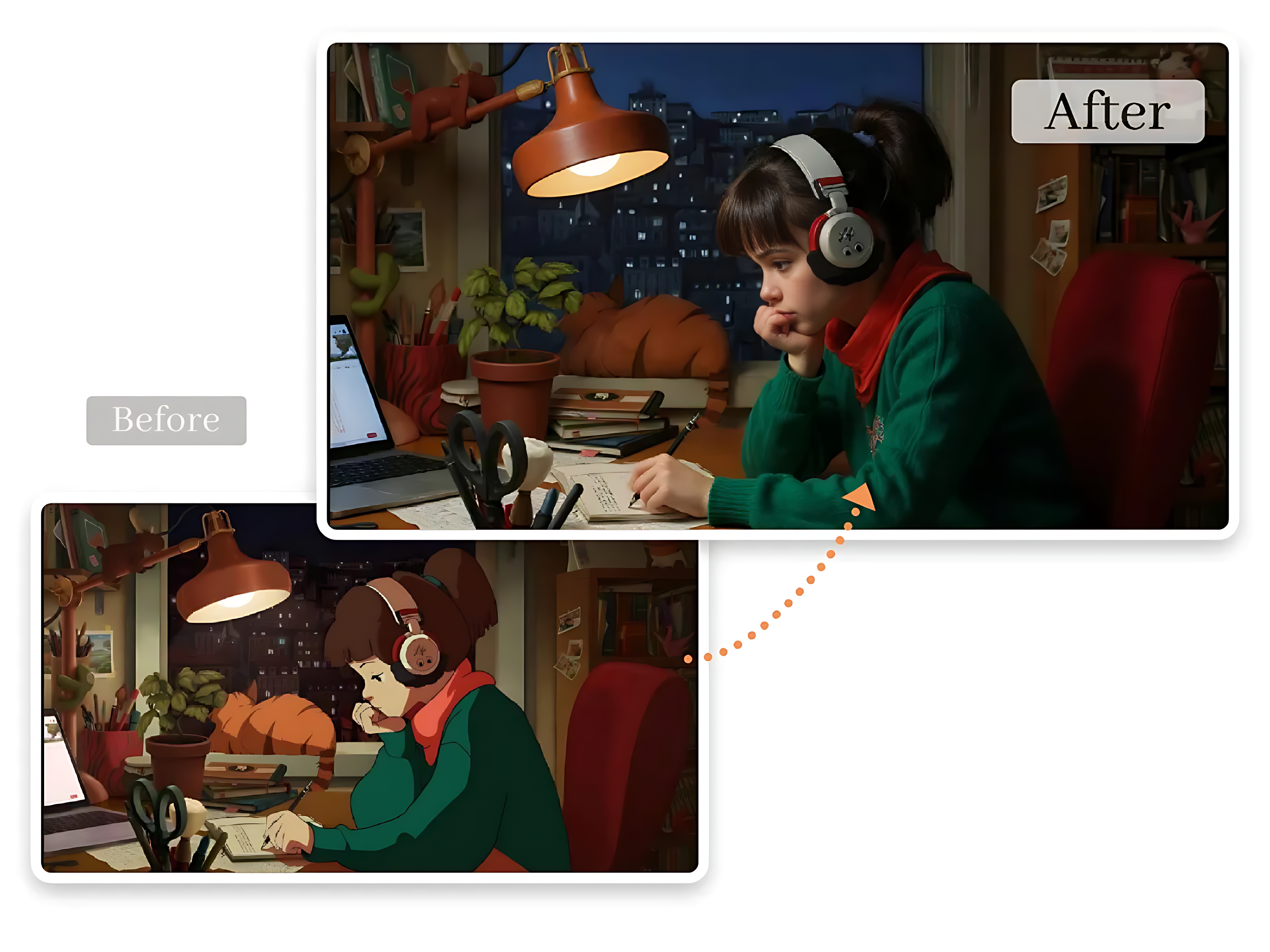
Transform short clips into longer, more engaging videos with realistic AI-generated extensions that match motion, lighting, style, and scene continuity.
What an AI Video Extender Actually Does to Your Clip
Guide the Next Seconds With a Prompt
Type what should happen next — "the camera pushes in slowly", a shift in light — and the AI video extender builds the new frames around that direction. The prompt holds up to 5,000 characters, so a one-line direction and a full paragraph are both allowed, and prompts about camera movement hold better than prompts about a new scene.
Sharp HD Frames Up to 1080p
Choose 540p, 720p, or 1080p before you generate, and the AI video extender exports the new seconds at exactly that setting. Fine grain, surface texture, and color hold up instead of going soft, and matching your source clip resolution is still the surest way to keep the extension reading as the same shot.
Continuity From Your Own Clip
The AI video extender reads camera direction, subject position, and lighting from your clip, then continues from there. Fast pans and walking subjects carry forward, and the continuation aims to read as one shot, not a cut. A clip with a hard cut mid-shot is the hardest case, since the model has two motions to follow.
No Timeline, No Keyframes
Nothing to install, no keyframes to set, and no render queue to wait on. Extend a video online in three steps and the AI video extender generates an extended clip for you to review before you commit to the edit. Re-running with a different prompt costs one more generation rather than a full re-export.
Why Choose Our Free AI Video Extender Over a Timeline Edit
Built for creators, marketers, and editors who need a few more seconds from a clip without opening a full editing suite.
Set the New Length Yourself
One pass outputs a clip between 1 and 10 seconds, and you pick the exact video length on the slider — the duration your edit needs rather than a length the model picked for you.
Up to 1080p in Five Ratios
Vertical for Reels, widescreen for YouTube — export at the size each placement needs, with no re-framing elsewhere.
A Few Seconds, Not a New Shoot
Ten more seconds the usual way means another take, another generation, or a re-edit. One upload and one slider here, so a clip that nearly worked can still ship.
No Watermark on the Result
The clip the AI video extender returns is clean at every resolution. Nothing is burned into the corner, so the extra seconds go straight into a client edit or a scheduled post.
Private & Secure
Uploads are encrypted in transit and automatically deleted after processing, so the footage the AI video extender reads is not kept on our servers once the job finishes.
Works on Any Device
Runs in the browser on desktop, laptop, tablet, and phone. Nothing to install, no render farm to configure — the AI video extender opens wherever you work.
How to Use Our Free AI Video Extender in 3 Simple Steps
One screen, three controls, and no timeline to learn.
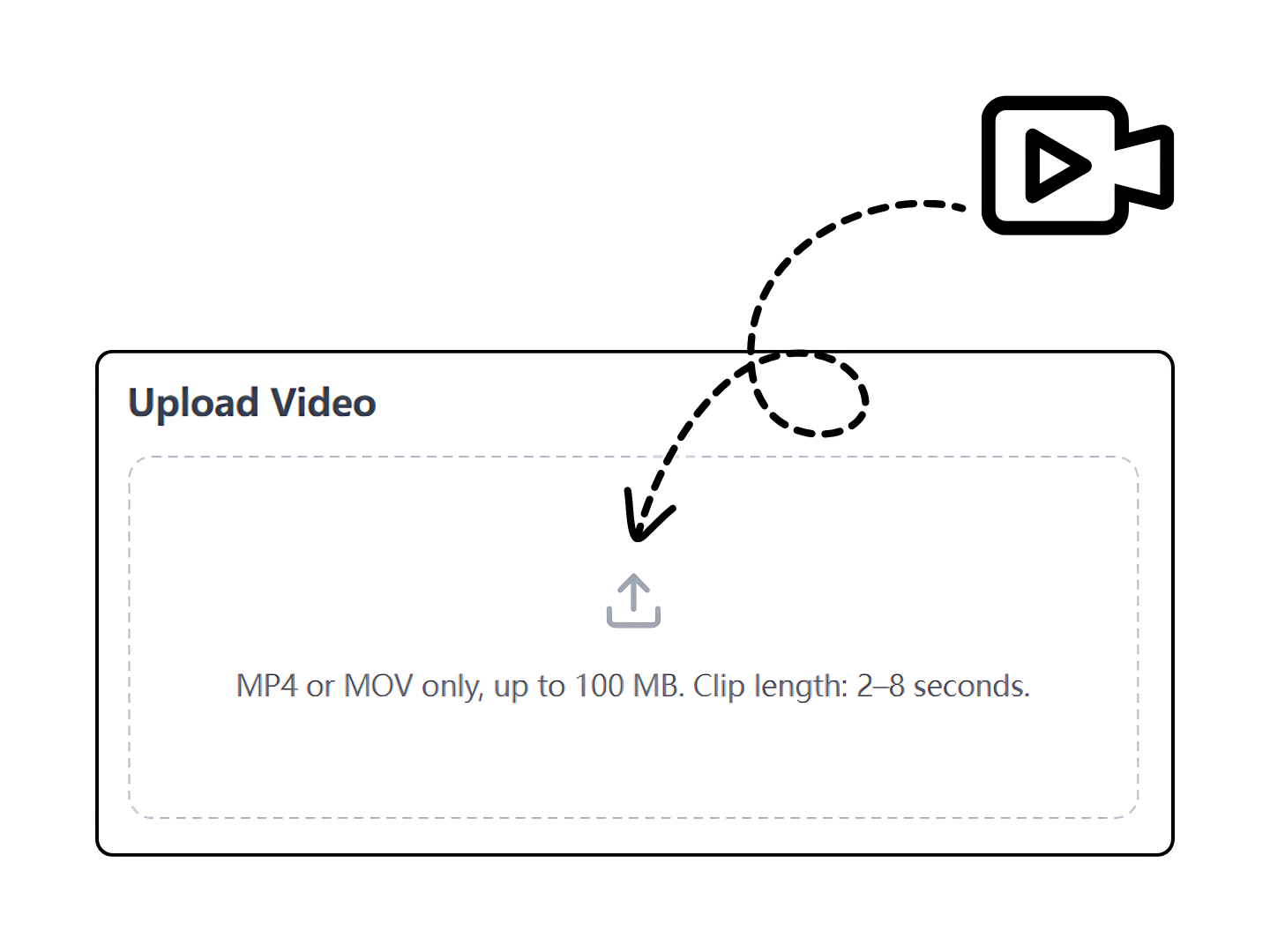
Upload a 2–8 Second Clip
Drag in an MP4 or MOV up to 100MB. The AI video extender scans the motion, lighting, and subject first, so the new frames start from what your footage is already doing.
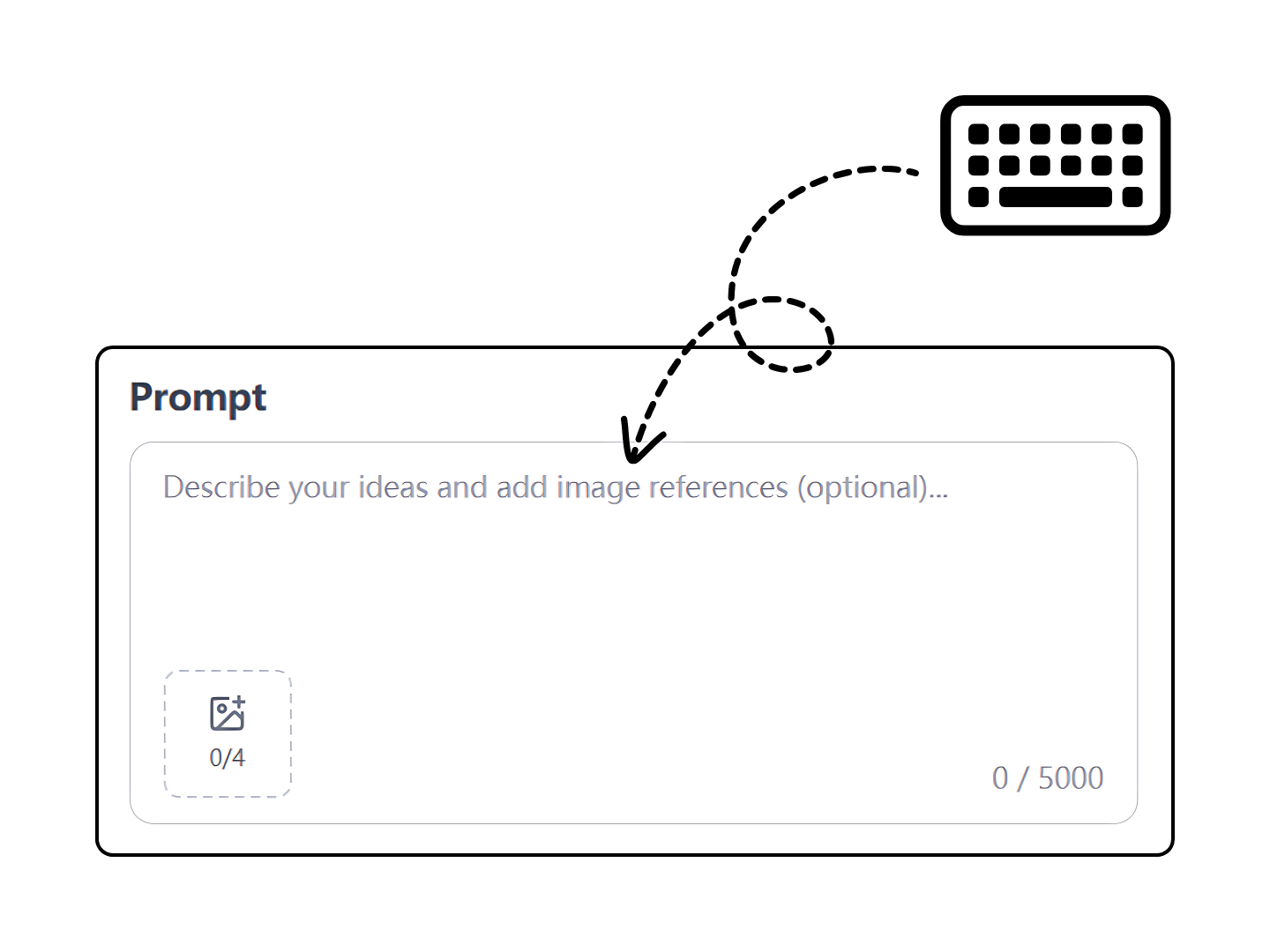
Set the Length and Prompt
Set the slider from 1 to 10 seconds, then pick a resolution and aspect ratio. Describe the next moment in the prompt — that direction is what the model builds the new frames from.
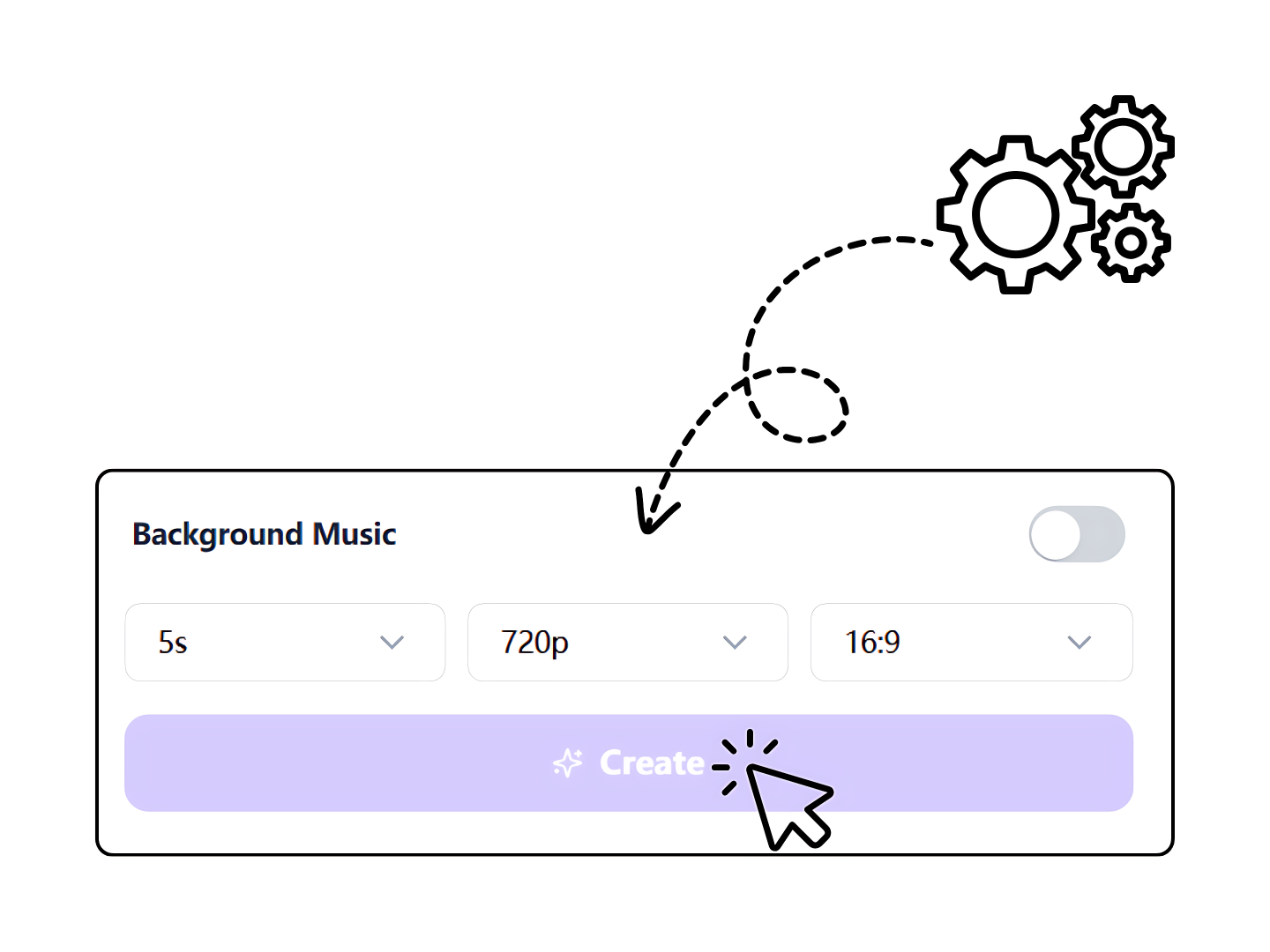
Generate and Download
Preview the result and download it. If the new seconds land where you wanted, drop them into your edit. If not, adjust the prompt and rerun.
What Users Say About Our AI Video Extender
How editors and creators use the extra seconds.
My clip cut off before the punchline. I set the length to nine and described the camera push — the frames kept the light and grain.
My clip was eight seconds and the edit wanted ten. Two runs, clean at 1080p, and the vertical one held up on Reels.
Writing the prompt is the part I expected to hate. I described her turning toward the window and the model followed it where I pointed.
Frequently Asked Questions About AI Video Extender
What the free video extender can and cannot do, before you upload a clip.
Discover More AI Tools in VideoFaceSwap


Add the Missing Seconds With an AI Video Extender
Set the new length up to 10 seconds and export at up to 1080p. No watermark, no queue.